1
Multimetter FSM 500
Ref. 5903
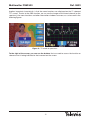
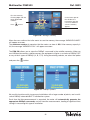
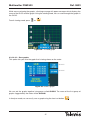
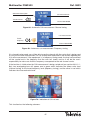
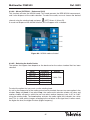
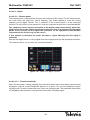
have been edited, the process has finished. If the proposed name does not have 6 characters,
it will be necessary to fill in the remaining spaces with blanks ("_").
If re-naming a memory that already exists, and if the new name has less characters than the old
name, the characters that you wish to erase should be replaced with "_" (in other words, blank
spaces).
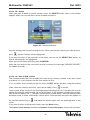
If you are editing a memory that you are saving, press EDIT when the name proposed by the
equipment is flashing. From now on, the process will be as described in the previous paragraph.
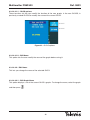
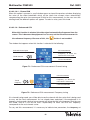
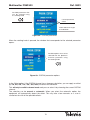
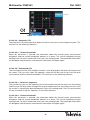
If you are trying to save a memory with the name of another memory in the list, the equipment
will warn you. You can confirm the action by pressing
(in this case, the old memory will be
erased) or you can cancel the action. To do so, simply rotate the knob (the name will disappear
and the process will begin again).
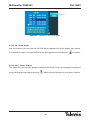
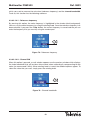
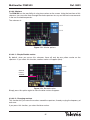
It is not possible to save a memory with a name consisting of blank spaces only. In this case,
the meter will display a message indicating that the name is incorrect.
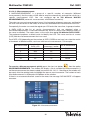
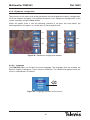
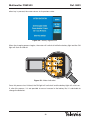
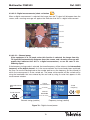
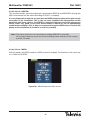
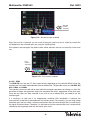
When the user confirms the modification of the name of a memory, the message "MEMORY
EDITED" will appear onscreen.
33