1
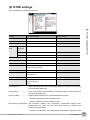
(4) USER settings
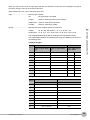
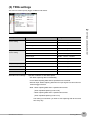
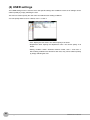
The USER settings menu is used to store user-specific settings and conditions. Each set of settings can be
called up easily by simply switching the user.
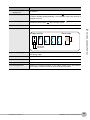
This menu is used to specify the user name and switches user setting conditions.
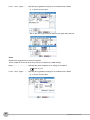
You can specify that the user is a Guest, User 1 or User 2.
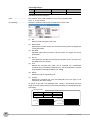
• User: Specify the user name. You cannot specify it as Guest.
• Department name: Specify the department name. You cannot specify it as
Guest.
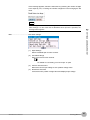
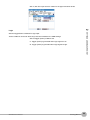
• Setting condition switch: Switches between Guest, User 1 and User 2.
Since setting conditions are stored for each user, they can be called up easily
by simply switching the user.
56
Setting Menus
ZR-RX20 User’s Manual