1
Connections
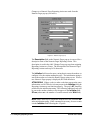
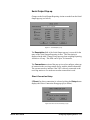
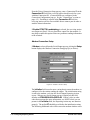
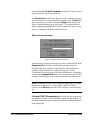
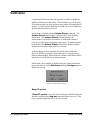
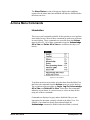
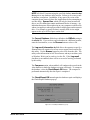
The Connections command displays the Connection Configuration
pop-up. This pop-up allows the operator to set up port information used
in receiving alarms and executing various Reporting Actions. An
operator must have a security level of 50 (or higher) in order to use this
command. Any changes to this pop-up affect all Liebert Corporation
Windows products.
For More Information, See . . .
•
Connections on page 4-2
•
Receiving Stations on page 8-3
•
The alc.ini File on page 8-16
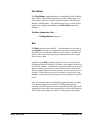
Notification
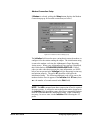
The Notification option allows you to enable or disable the station's
Notification. When Alert EL receives an alarm, it notifies operators in
close proximity to the station by beeping the PC speaker and/or forcing
the Alert EL window to the desktop foreground.
For More Information, See . . .
•
Notification on page 4-8
•
Silence on page 6-11
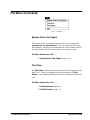
Time Zone
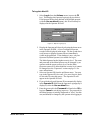
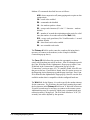
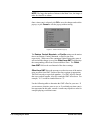
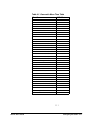
This command displays the Station Time Zone pop-up, where the
operator can set the time zone of the station. In order for Alert EL to
normalize the times properly, it must know where each station is
located. An operator must have a security level of 25 (or higher) to use
this command.
7-6 • Alert EL Menu Commands
Alert EL User’s Guide