1
Monitor Configuration Panel
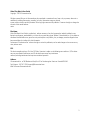
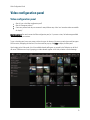
Click the duration to change how long it takes for the displays to change channels. In this example above, the
videos in each rotation will display for one minute each.
Click the arrows to manually step forward or backward to the previous or next screen rotation.
Click the rotation symbol to turn automatic rotation off or on. The rotation in the example above is turned on;
thus the screens will rotate on this monitor.
Monitor Tools
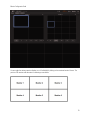
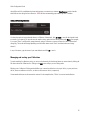
Monitor Tools is a collection of miscellaneous display options that can be configured for each individual monitor. To modify
a monitor's display with Monitor Tools, click on the gear symbol to the top right-hand corner of the corresponding
miniature monitor display.
12