1
UNIT 27
Unit 27 — Content Rating and Reviews
Reference: “Content Rating” chapter in Ektron CMS400.NET Reference Manual.
Ektron CMS400.NET provides a rating system, based on stars, so site visitors can rate content on
your Web site. A visitor can rate content on a scale of one through five stars. Optionally, half star
rating increments can be used and site visitors may be allowed to submit comments.
Note: If a visitor is not logged in as a CMS or membership user, browser cookies must be enabled in order to submit a
content rating.
Exercise 27-1: Entering a Content Rating on the Web Page
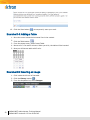
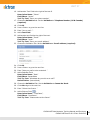
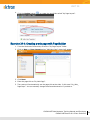
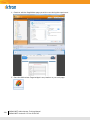
1. In a browser, select the menu Conditions > Cancer.
2. Click on the link to the article “The Diet / Cancer Link”.
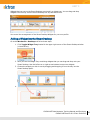
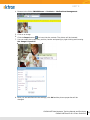
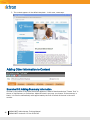
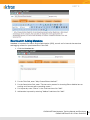
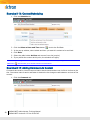
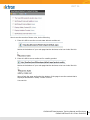
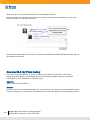
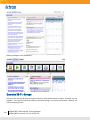
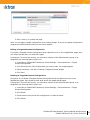
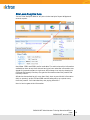
3. Go to the bottom of the page and you will see the content rating area.
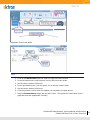
4. Choose a rating and enter an optional comment.
5. Click the Submit button.
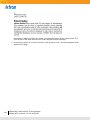
6. Go to the bottom of the article again and notice that the Rating Level is displayed now.
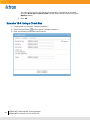
Exercise 27-2: Viewing the Content Rating Report
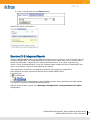
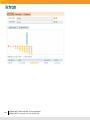
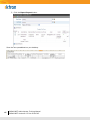
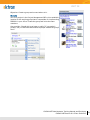
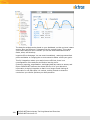
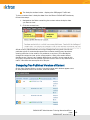
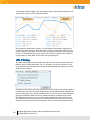
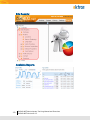
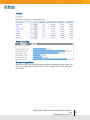
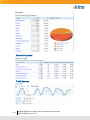
All content rating and review data for a content item is maintained and can be displayed in detail
and summary formats.
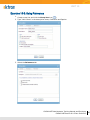
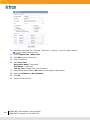
Using the article in the above exercise view the Content Rating report by doing the following:
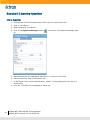
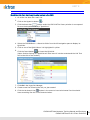
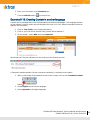
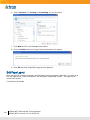
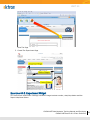
1. Browse to the content item.
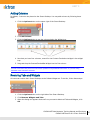
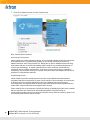
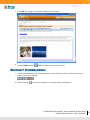
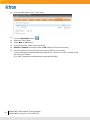
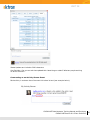
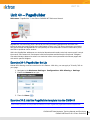
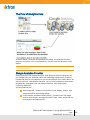
2. Hover on the sliver access point.
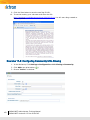
3. Select View Advanced Report.
Or:
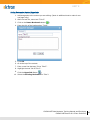
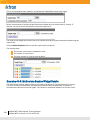
Navigate to the content item in the Workarea:
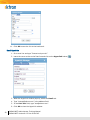
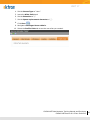
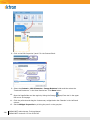
1. On the Content tab, navigate to the folder that contains the content.
2. Select the content item.
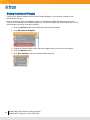
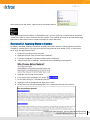
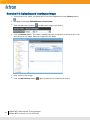
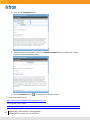
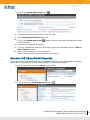
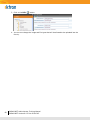
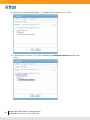
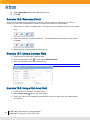
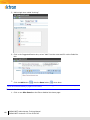
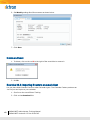
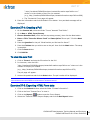
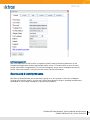
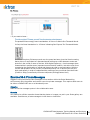
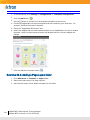
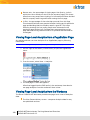
3. Click the View Rating Reports toolbar button (
).
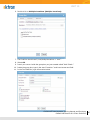
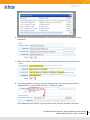
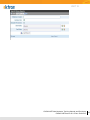
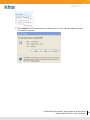
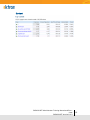
4. To view the detailed rating report, click on the Get Result button.
CMS400.NET Administrator Training Manual and Exercises
CMS400.NETVersion 8.0.2 Doc:20101215
143