1
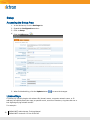
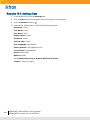
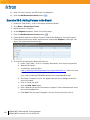
Exercise 33-2: Adding Events to Calendar
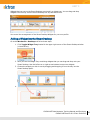
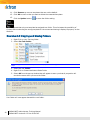
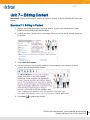
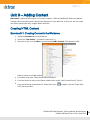
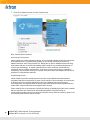
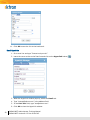
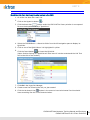
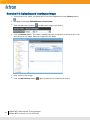
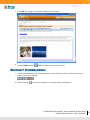
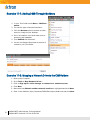
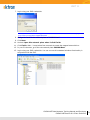
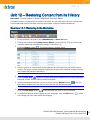
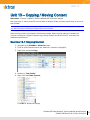
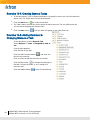
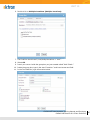
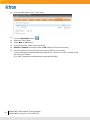
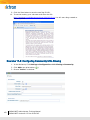
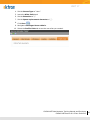
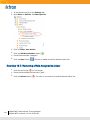
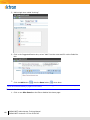
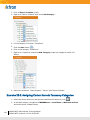
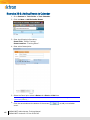
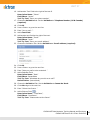
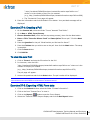
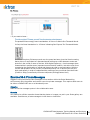
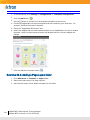
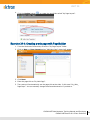
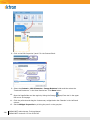
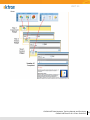
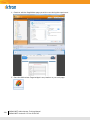
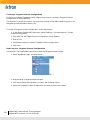
1. Go to Content > Test Folder > Test Calendar.
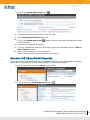
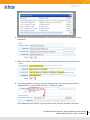
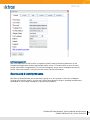
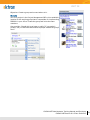
2. Click the New > Add Calendar Event.
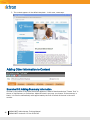
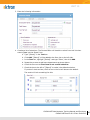
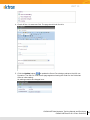
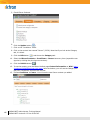
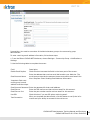
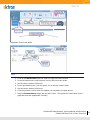
3. Enter the following information:
Event Title: “Ektron Training”
Event Location: “Training Room”.
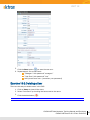
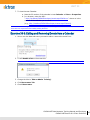
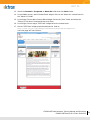
4. Enter a brief description.
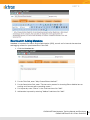
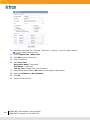
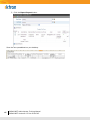
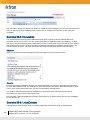
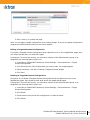
5. Below the Description select a Date and a Start and End time
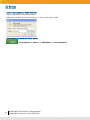
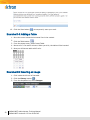
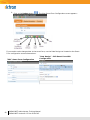
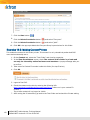
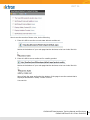
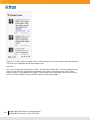
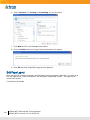
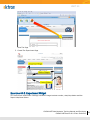
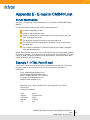
Note: If there is no timeframe for the event, check the box next to “All Day” in the bottom right hand corner of
your screen (
)
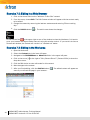
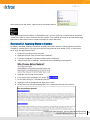
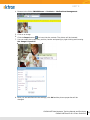
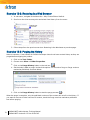
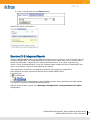
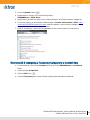
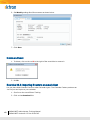
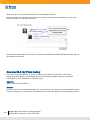
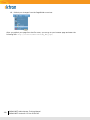
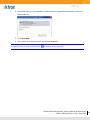
6. Click the save button at the bottom of the screen (
event.
166
CMS400.NET Administrator Training Manual
CMS400.NET Version 8.0.2 Doc:20101215
) to add your calendar