1
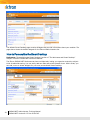
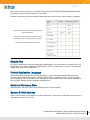
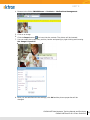
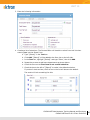
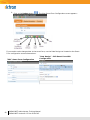
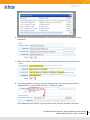
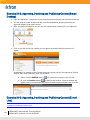
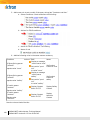
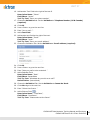
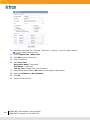
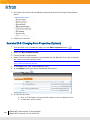
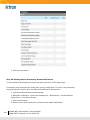
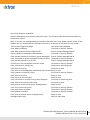
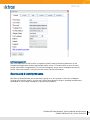
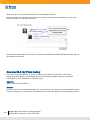
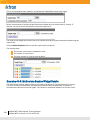
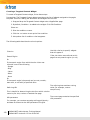
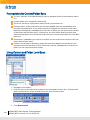
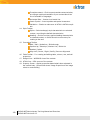
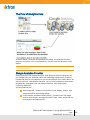
Notification of colleagues’ activities
Notification of community group activities
Notification of your activities to other users or community groups
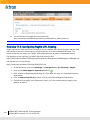
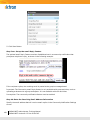
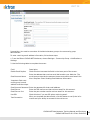
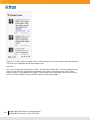
Note: If you are upgrading to Version 8.0, all activities are checked for the Activity Stream agent
by default. No activities are checked for the other agents by default.
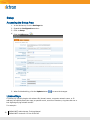
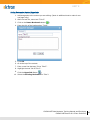
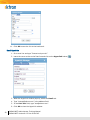
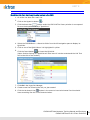
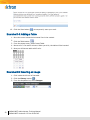
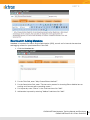
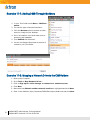
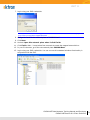
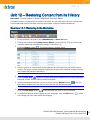
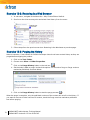
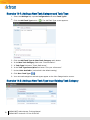
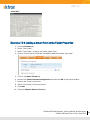
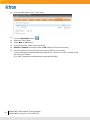
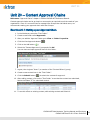
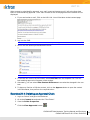
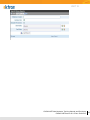
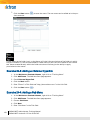
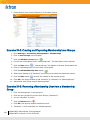
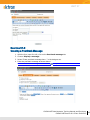
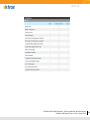
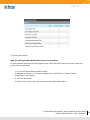
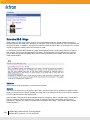
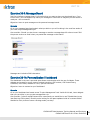
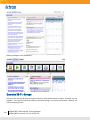
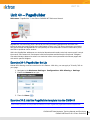
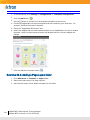
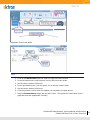
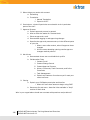
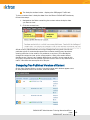
Step 3A: Setting Default Colleague Notifications
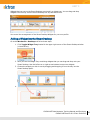
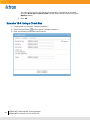
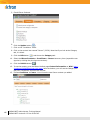
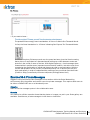
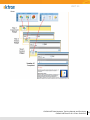
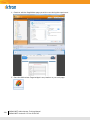
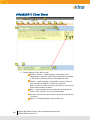
To set default Notifications for colleagues, follow these steps.
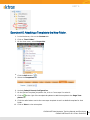
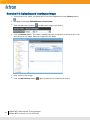
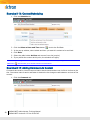
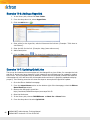
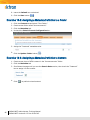
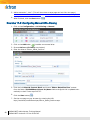
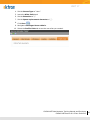
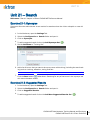
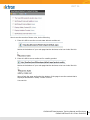
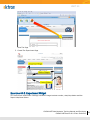
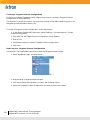
1. Log in to the Ektron CMS400.NET Workarea as an administrator.
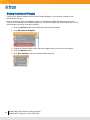
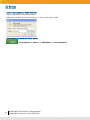
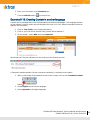
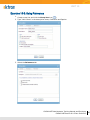
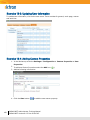
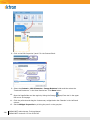
2. Navigate to Settings > Community Management > Notifications > System Default
Preferences > Colleagues.
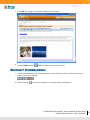
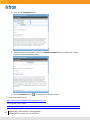
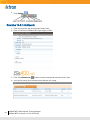
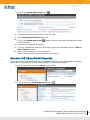
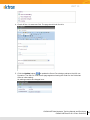
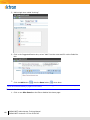
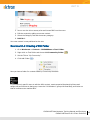
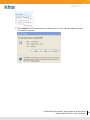
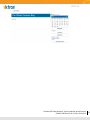
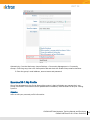
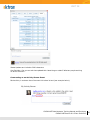
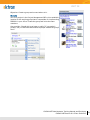
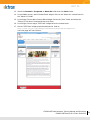
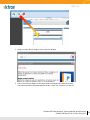
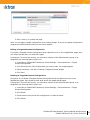
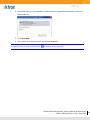
3. Click the Edit button ( ).
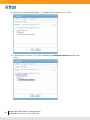
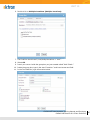
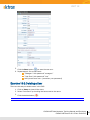
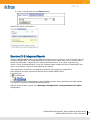
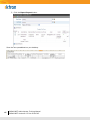
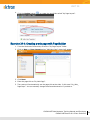
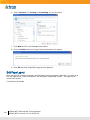
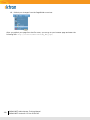
4. Place a check mark next to each a default Notification.
190
CMS400.NET Administrator Training Manual
CMS400.NET Version 8.0.2 Doc:20101215