1
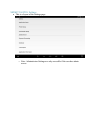
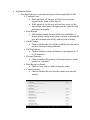
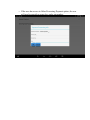
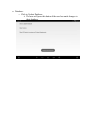
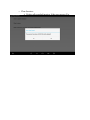
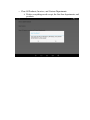
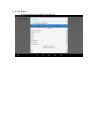
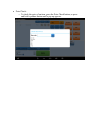
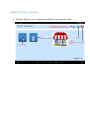
Application Setup: o Pertains to the user’s personal preference when using Point of Sale. Combine Lines: If this option is off, the user will have access to the keypad on the Point of Sale Screen. If this option is on, the user will not have access to the keypad and same items will appear on the same line and increment in quantity. Print Receipt: This option prompts the user if the user would like to always print a receipt, never print a receipt, or prompt the user after a transaction if they want to print a receipt. Stock Prompt: Choose whether the user will be notified if an item not in stock is currently being purchased. Full Description: Choose whether an item will display a description of 12 or 30 characters. Decimal Quantity: Choose whether the quantity of an item must be a whole number or a decimal. Send Receipt as Email: Choose if you want to send a receipt by email. Camera Scanner: Choose whether the user uses the camera as a barcode scanner.