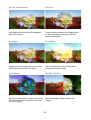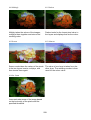
1
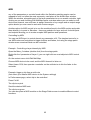
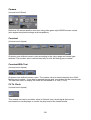
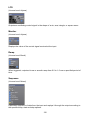
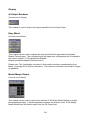
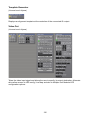
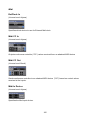
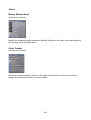
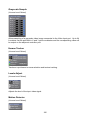
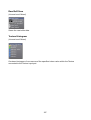
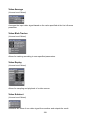
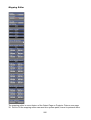
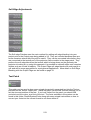
FX Buttons 1 to 8
These buttons are assignable and designed to be used to trigger effects.
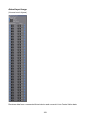
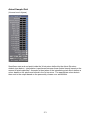
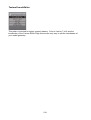
Connecting the custom buttons/faders
To connect the assignable faders to the software, you need to first determine what it is you
want to control. For example, you may wish to use faders 1 and 2 to control opacity on
your first two layers, with faders 3 and 4 controlling the speed of the playback media. This
can be achieved with a few simple connections, which we shall describe below.
(Note: with Salvation, there can sometimes be a number of different ways of accessing
required modules. We will show you the simplest route to achieve what you need.)
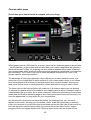
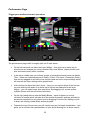
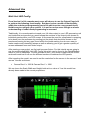
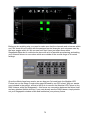
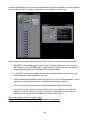
Access the Performance Page in Ai. Select layer 1 on the left-hand side and right-click to
enlarge the area. Then double-left-click in the large area. This will open up a patch from
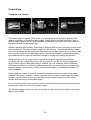
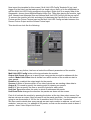
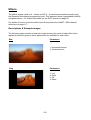
Salvation called Layer 1. This patch window shows us the Artnet personality for layer 1
and is where we can make our connections.
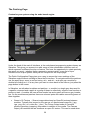
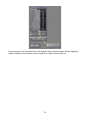
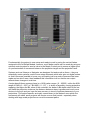
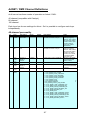
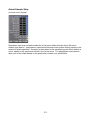
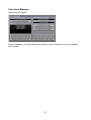
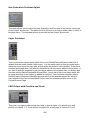
Layer 1 Personality Screen
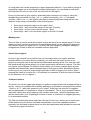
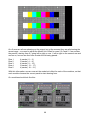
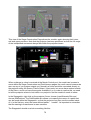
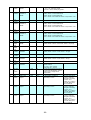
We can extend this screen by grabbing the right-hand side of the window and dragging.
This will show a number of new modules and connections.
62