1
iPC
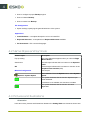
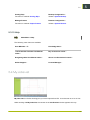
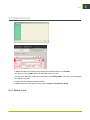
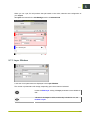
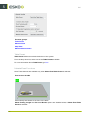
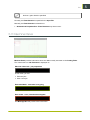
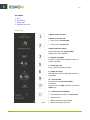
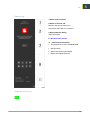
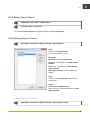
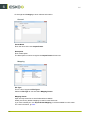
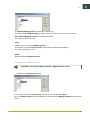
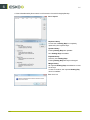
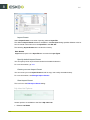
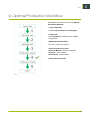
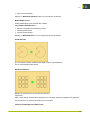
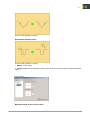
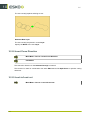
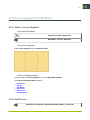
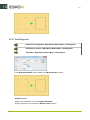
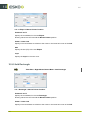
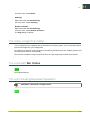
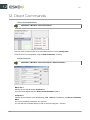
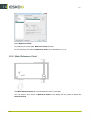
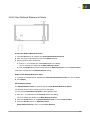
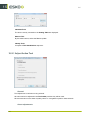
Follow the steps in the wizard:
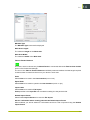
1. Select the reference tool, preferably the
same tool as used during the previous offset
adjustment.
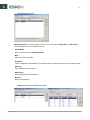
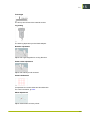
2. Place a sheet of thin material on the table.
3. Fixate the sheet using Vacuum on.
4. Jog the Laser Pointer into a proper position
on the sheet.
5. Press Start to create the Reference Mark.
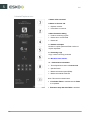
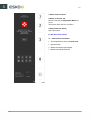
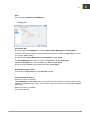
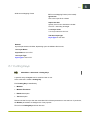
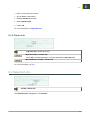
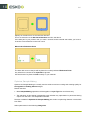
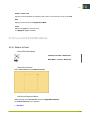
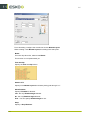
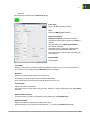
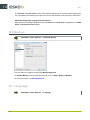
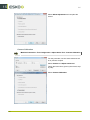
While the sheet is kept in place by vacuum on,
do:
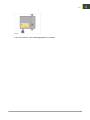
1. Jog the tool head away.
2. Carefully remove the cutout from the
Reference Mark.
3. Press Next.
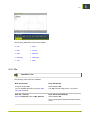
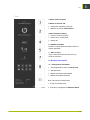
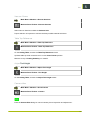
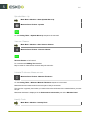
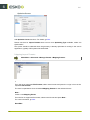
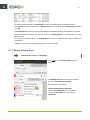
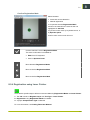
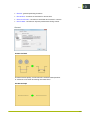
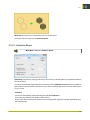
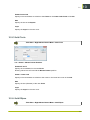
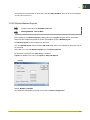
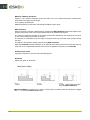
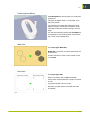
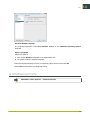
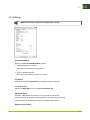
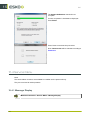
1. Verify that the mark is correctly detected.
2. Press Next.
197
15