1
iPC
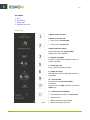
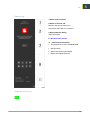
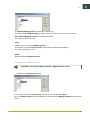
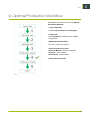
Vacuum Zones
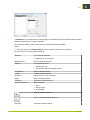
Main Menu->Machine->Vacuum Sections
Machine Panel Toolbar->Vacuum Sections
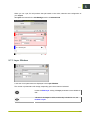
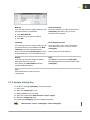
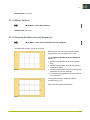
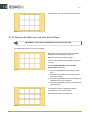
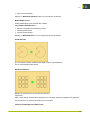
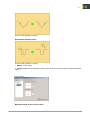
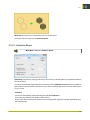
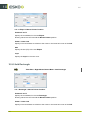
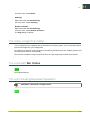
Select Vacuum Sections suitable for Selected Job.
Proper selection is important to achieve the best possible material hold down.
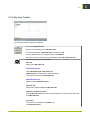
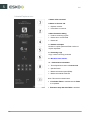
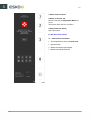
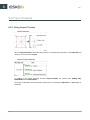
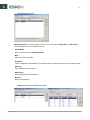
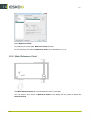
Table Top Reference
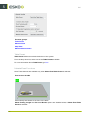
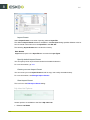
Main Menu->Machine->Table Top Reference
Machine Panel Toolbar->Table Top Reference
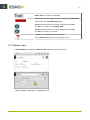
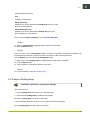
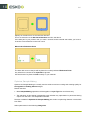
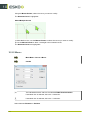
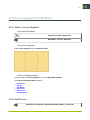
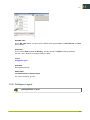
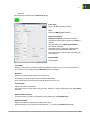
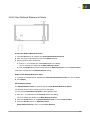
On the Cutting Table, execute the Table Top Reference wizard.
Updates table top level measurement in current Laser Pointer position.
Measure on top of Cutting Underlay; no material.
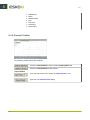
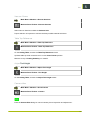
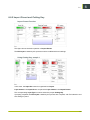
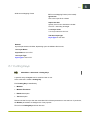
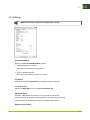
Adjust Tool Height
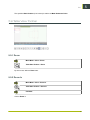
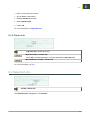
Main Menu->Machine->Adjust Tool Height
Machine Panel Toolbar->Tool Height
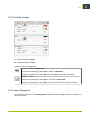
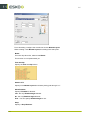
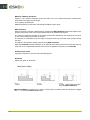
On the Cutting Table, execute the Adjust Tool Height wizard.
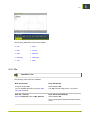
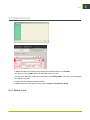
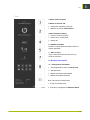
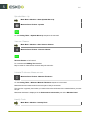
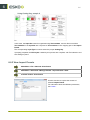
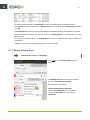
Camera View
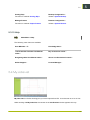
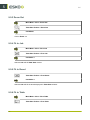
Main Menu->Machine->Show Camera
Machine Panel Toolbar->Camera
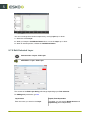
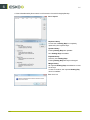
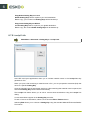
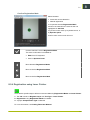
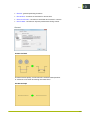
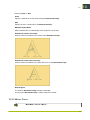
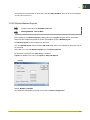
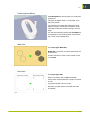
Enter the Camera View dialog for manual camera picture inspection and adjustment..
69
5