1
Mercurial in daily use
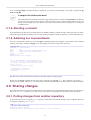
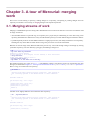
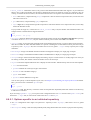
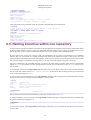
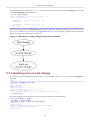
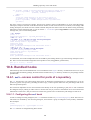
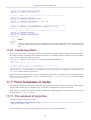
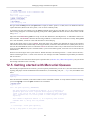
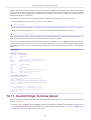
U myfile.txt
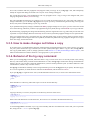
In the output from hg resolve, a resolved file is marked with R, while an unresolved file is marked with U. If any files are
listed with U, we know that an attempt to commit the results of the merge will fail.
5.6.2. Resolving a file merge
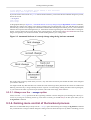
We have several options to move a file from the unresolved into the resolved state. By far the most common is to rerun hg
resolve. If we pass the names of individual files or directories, it will retry the merges of any unresolved files present in
those locations. We can also pass the --all or -a option, which will retry the merges of all unresolved files.
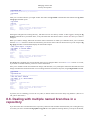
Mercurial also lets us modify the resolution state of a file directly. We can manually mark a file as resolved using the -mark option, or as unresolved using the --unmark option. This allows us to clean up a particularly messy merge by
hand, and to keep track of our progress with each file as we go.
5.7. More useful diffs
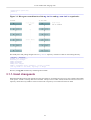
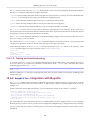
The default output of the hg diff command is backwards compatible with the regular diff command, but this has some
drawbacks.
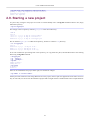
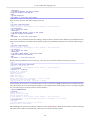
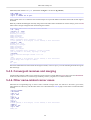
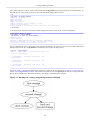
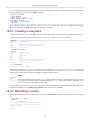
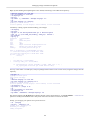
Consider the case where we use hg rename to rename a file.
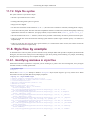
$ hg rename a b
$ hg diff
diff -r f39abaf1fa02 a
--- a/a Wed May 26 11:43:07 2010 +0000
+++ /dev/null Thu Jan 01 00:00:00 1970 +0000
@@ -1,1 +0,0 @@
-a
diff -r f39abaf1fa02 b
--- /dev/null Thu Jan 01 00:00:00 1970 +0000
+++ b/b Wed May 26 11:43:07 2010 +0000
@@ -0,0 +1,1 @@
+a
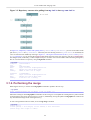
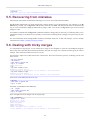
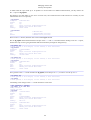
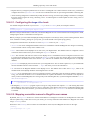
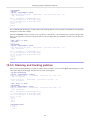
The output of hg diff above obscures the fact that we simply renamed a file. The hg diff command accepts an option, -git or -g, to use a newer diff format that displays such information in a more readable form.
$ hg diff -g
diff --git a/a b/b
rename from a
rename to b
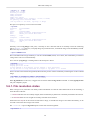
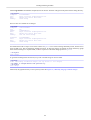
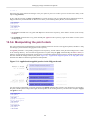
This option also helps with a case that can otherwise be confusing: a file that appears to be modified according to hg status,
but for which hg diff prints nothing. This situation can arise if we change the file's execute permissions.
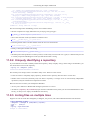
$
$
M
$
chmod +x a
hg st
a
hg diff
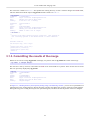
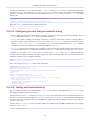
The normal diff command pays no attention to file permissions, which is why hg diff prints nothing by default. If we supply
it with the -g option, it tells us what really happened.
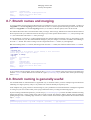
$ hg diff -g
diff --git a/a b/a
old mode 100644
new mode 100755
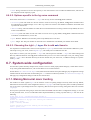
5.8. Which files to manage, and which to avoid
Revision control systems are generally best at managing text files that are written by humans, such as source code, where
the files do not change much from one revision to the next. Some centralized revision control systems can also deal tolerably
well with binary files, such as bitmap images.
51