1
Navigation through the HDMS System
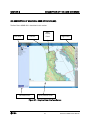
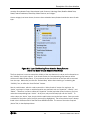
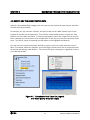
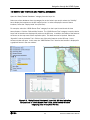
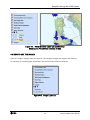
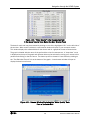
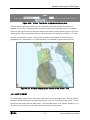
Figure 4-7. “Water Districts” Layer List and GIS Map
Showing the Private Water Districts in Blue
4.8 HOW TO USE THE IMAGES
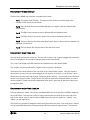
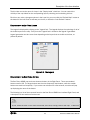
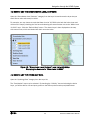
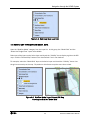
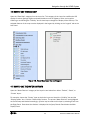
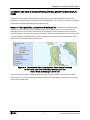
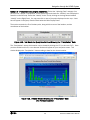
Open the “Images” category from the Layer list. This category changes the image of the GIS map.
For example, by unchecking the “Relief Map” box, the GIS map will become colorless.
Figure 4-8. Images Layer List
4-6
San Bruno HDMS Users’ Manual