1
SECTION 2
LOGGING IN AND TROUBLESHOOTING
2.1 LOGGING IN TO THE HDMS SYSTEM
Step 1: Open Internet Explorer. Other browsers are not supported.
Step 2: Type the following address in the Internet Explorer address bar:
http://gis.wrime.com/iwris/sanbruno
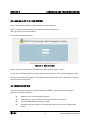
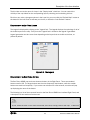
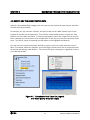
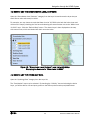
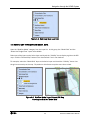
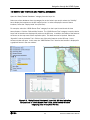
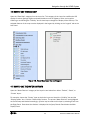
You will see the following screen:
Figure 2-1. Sign-In Screen
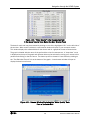
Step 3: Enter your Username and Password and then click the “Sign in” button.
You will see a “Disclaimer Notice”; please read the notice and click “OK” to acknowledge the notice.
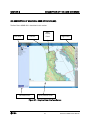
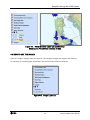
Once you are successfully logged in, the Graphical User Interface (GUI) screen will appear. The GUI is
discussed in the next section.
2.2 TROUBLESHOOTING
There are a few typical problems encountered with the HDMS. Please review the following to
attempt to resolve any problems.
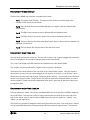
Make sure you are using Internet Explorer.
Allow popups – that is, make sure your popup blocker is turned off.
Close all HDMS windows and log on again.
Be patient after you make a click, especially when you click on the “Refresh Map”
button.
2-1
San Bruno HDMS Users’ Manual