1
12. Trouble Administration
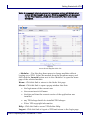
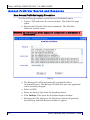
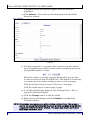
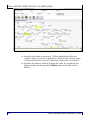
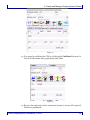
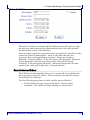
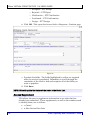
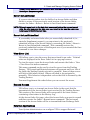
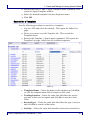
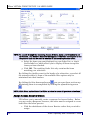
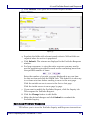
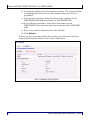
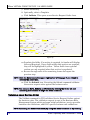
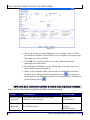
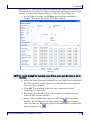
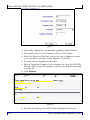
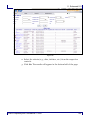
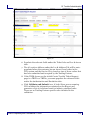
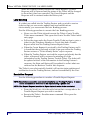
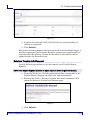
Figure 73
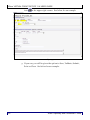
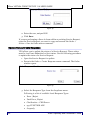
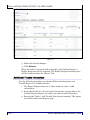
4. Enter additional information as text.
5. Click Submit.
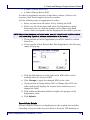
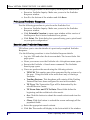
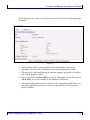
When the Trading Partner receives the Add Info Request, a Modify
Response will be returned. Both the Request and Response will be
retained under the History tab and the information will be updated on
the appropriate section of the ticket.
Cancel Trouble Report
Use the following procedure to Cancel a Trouble Report if the ticket was
created by mistake.
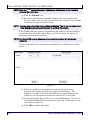
1. The Report Request must be in Open status in order to be
cancelled.
2. From the Work List, click the radio button corresponding to the
Report Request you want to cancel.
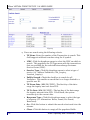
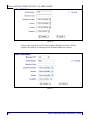
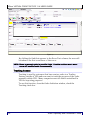
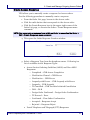
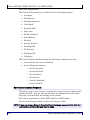
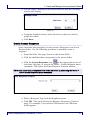
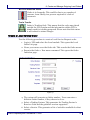
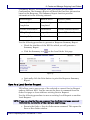
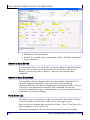
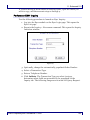
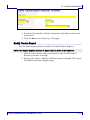
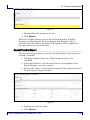
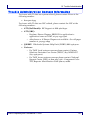
3. Execute the Ticket > Cancel menu command. This opens the Cancel
Trouble Report Request window.
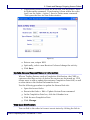
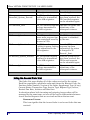
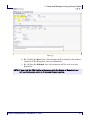
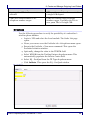
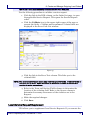
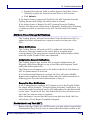
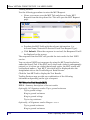
Figure 74
4. Populate the relevant fields.
5. Click Submit.
Wisor Proprietary and Confidential © 2008
119