1
SMARTLIBRARY USER MANUAL
Creating a Workflow
•
•
•
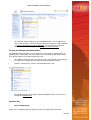
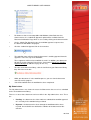
Navigate to the workflow viewer page.
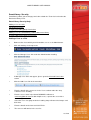
To create a Workflow use the navigation bar at the top of the page (content
area);
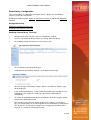
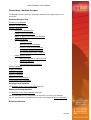
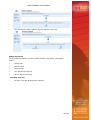
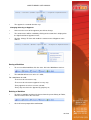
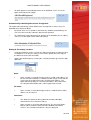
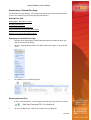
On the Workflow navigation bar select '
Create Workflow'
:
For more information see: Workflow Designer - Building Workflow
Edit a Workflow
Editing a workflow can have implications for documents currently in the workflow.
You can view documents in workflow that may be affected through Manage Workflows
•
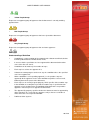
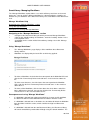
Navigate to the workflow viewer page.
•
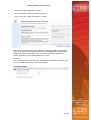
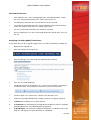
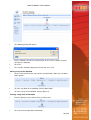
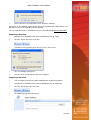
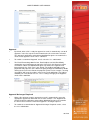
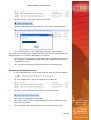
On the Workflow navigation bar select '
Edit Workflow'
:
•
All parts of the workflow can now be edited. Once all parts have been edited
select ‘Save’
Viewing User Comments
This may be done in the Document Library view, Approve/Reject View or the My
Submissions View for documents that are pending, approved or rejected.
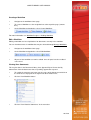
•
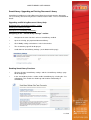
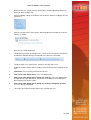
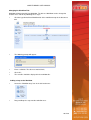
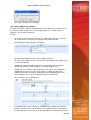
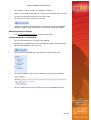
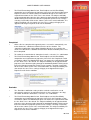
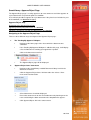
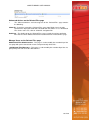
To enable the context menu hover over the name of the document and click on
the arrow that is displayed on the right hand side of folder name;
•
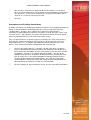
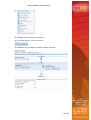
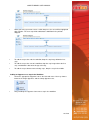
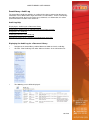
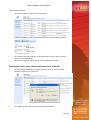
Click on ‘View Workflow Status’:
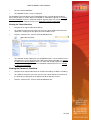
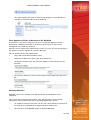
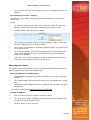
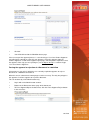
•
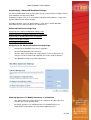
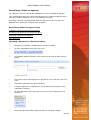
Click on ‘View Historical Comments’ in the menu bar:
22 of 59