1
FuZion User Manual
Network
NetworkClient
Client
5. Network Client
The DVR provides a live remote monitoring feature. Remote monitoring requires installation
of a software client program on your PC. A LAN connection using the RJ45 connector on
the rear panel is mandatory for remote connection.
For the local operation purposes, the frame rate is limited to 1 frame/sec when there is
no recording operation in the DVR. When recording is under progress, video frame rate for
the live monitoring will follow the recording frame rate.
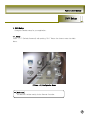
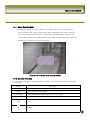
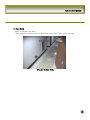
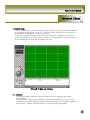
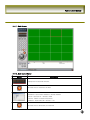
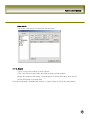
[Picture5-1] Main user interface
5-1. Overview
The remote software supports remote live viewing, search, playback and system
configurations.
By installing the 9/16CH remote software on a Windows based PC, you can monitor
real-time and recorded images via optional Ethernet network. This includes the ability to
monitor video, playback recorded video and change operating parameters.
47