1
FuZion User Manual
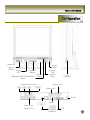
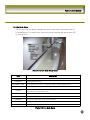
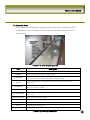
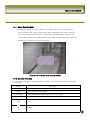
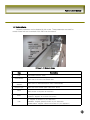
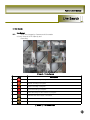
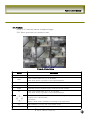
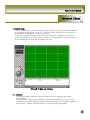
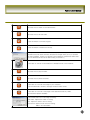
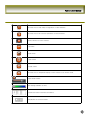
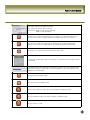
Click this icon to enter setup configuration of client software.
Click this icon to exit from the operations of client software.
Alarm indicators for each channel.
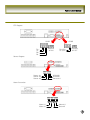
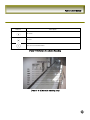
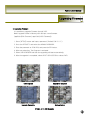
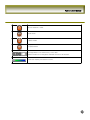
Full screen
Quad screen
9 Split screen
16 Split screen
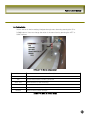
Click this icon for Sequential display of each channel in full screen mode.
Adjust audio volume
HDD storage Indicator of DVR.
It shows the client connection information.
Max/Min/Exit of the client viewer
51