1
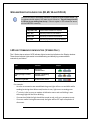
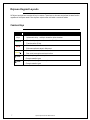
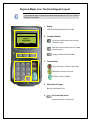
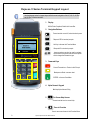
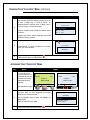
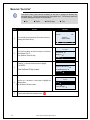
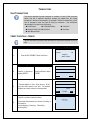
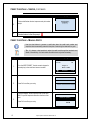
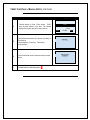
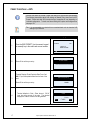
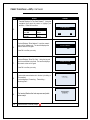
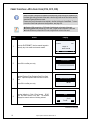
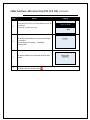
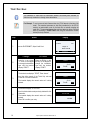
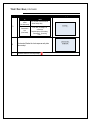
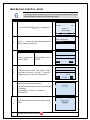
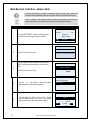
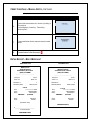
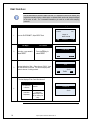
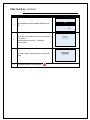
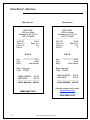
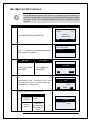
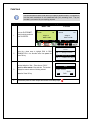
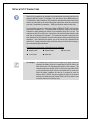
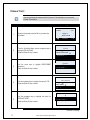
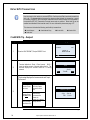
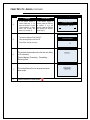
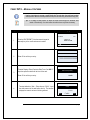
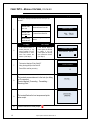
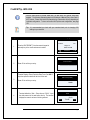
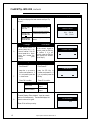
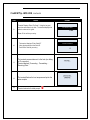
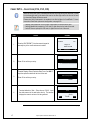
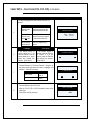
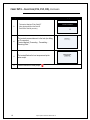
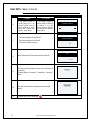
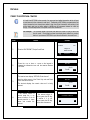
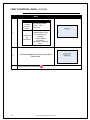
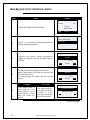
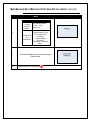
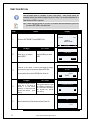
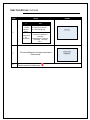
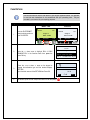
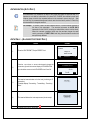
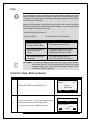
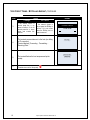
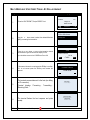
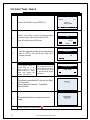
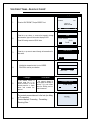
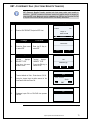
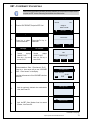
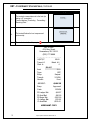
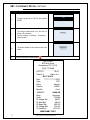
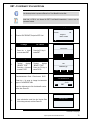
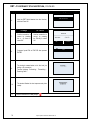
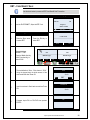
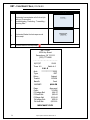
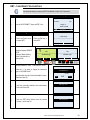
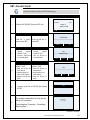
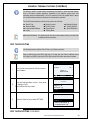
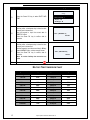
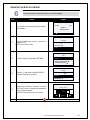
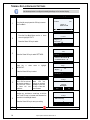
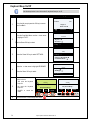
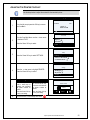
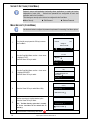
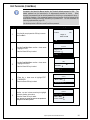
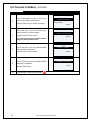
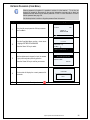
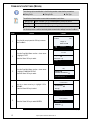
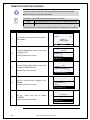
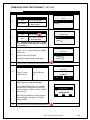
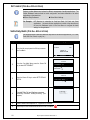
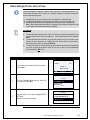
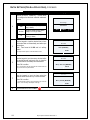
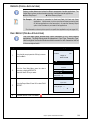
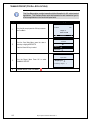
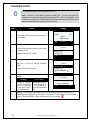
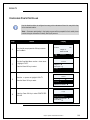
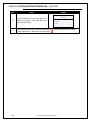
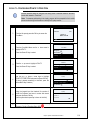
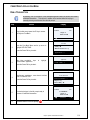
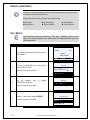
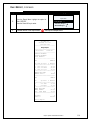
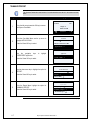
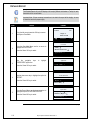
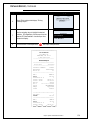
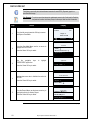
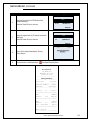
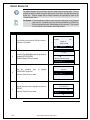
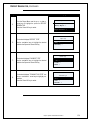
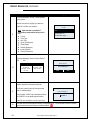
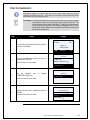
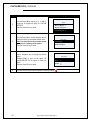
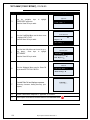
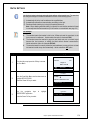
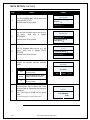
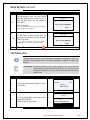
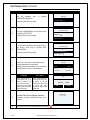
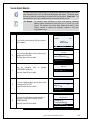
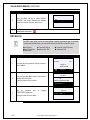
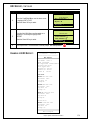
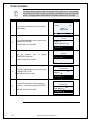
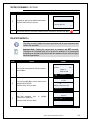
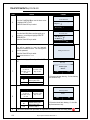
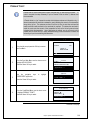
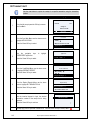
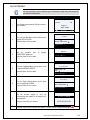
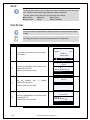
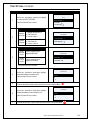
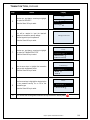
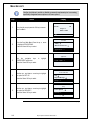
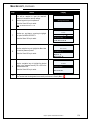
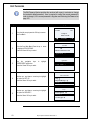
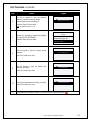
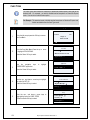
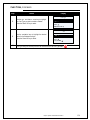
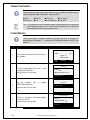
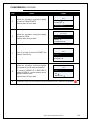
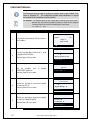
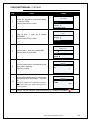
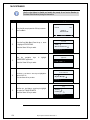
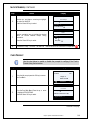
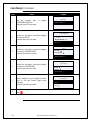
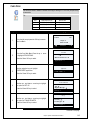
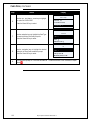
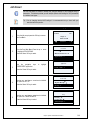
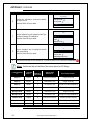
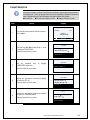
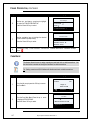
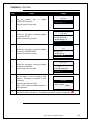
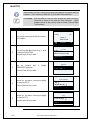
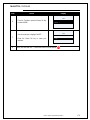
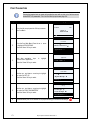
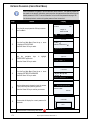
AVS PROMPT, CONTINUED Step Action Display Trans Prompts 6. 7. 8. 9. Use the up and down arrow keys to highlight the option for AVS Press the Green OK key to select. Use the navigation keys to highlight the Card Type you wish to manage AVS settings for. Press the Green OK key to select. Use the navigation keys to highlight the desired AVS prompt setting. Press the Green OK key to select. Card Present → Card Code → AVS → AVS All → Visa → MasterCard → All Off → Always On → Manually Entered → The transaction prompt for AVS has been set. The terminal returns to the Transaction Prompts Menu. AVS Options: Use the chart below for definition of the various options for AVS Settings. If Terminal Setting is.. … and Card Entry is.. Terminal Prompts for Card Present AND the input Response Is.. Then Terminal Prompts… Always On Swiped N Assumed Card Present Prompts for Zip Only Always On Manual Y Card Present = YES Prompts for ZIP only. Always On Manual Y Card Present = NO Prompts for ZIP then ADDRESS # Manually Entered Swiped N Assumed Card Present Does NOT prompt for any AVS Manually Entered Manual Y Card Present = YES Prompts for ZIP only Manually Entered Manual Y Card Present = NO Prompts for ZIP then ADDRESS # Card Not Present Swiped N Assumed Card Present Does NOT prompt for any AVS Card Not Present Manual Y Card Present = YES Does NOT prompt for any AVS Card Not Present Manual Y Card Present = NO Prompts for ZIP then ADDRESS # 165 Dejavoo Systems Instruction Manual V429.12