1
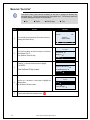
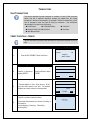
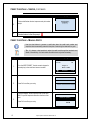
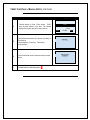
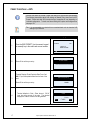
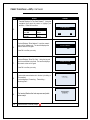
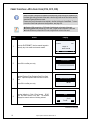
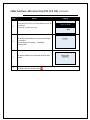
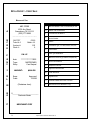
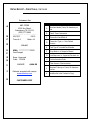
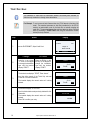
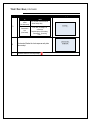
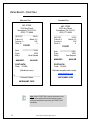
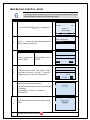
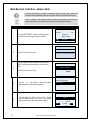
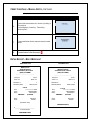
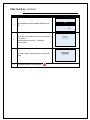
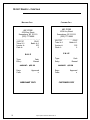
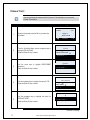
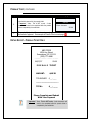
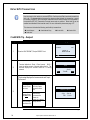
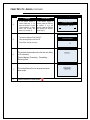
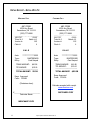
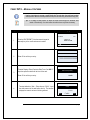
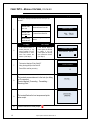
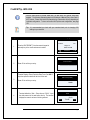
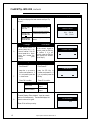
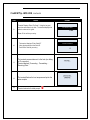
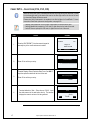
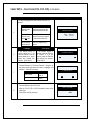
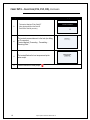
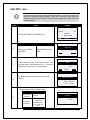
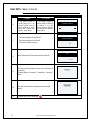
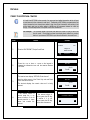
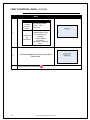
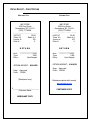
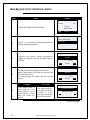
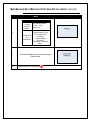
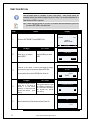
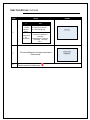
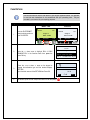
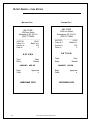
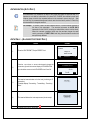
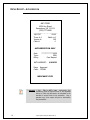
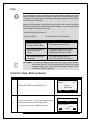
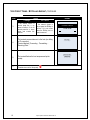
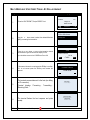
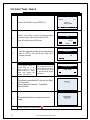
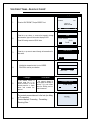
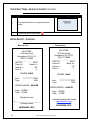
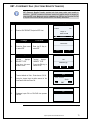
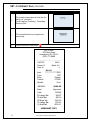
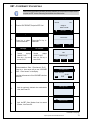
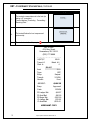
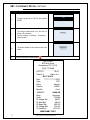
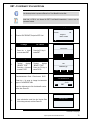
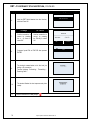
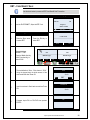
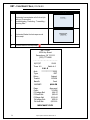
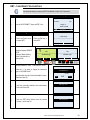
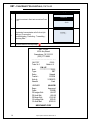
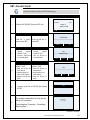
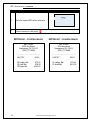
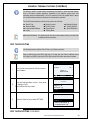
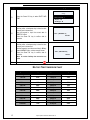
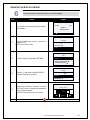
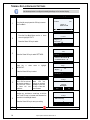
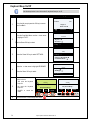
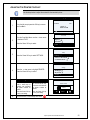
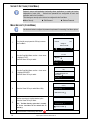
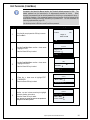
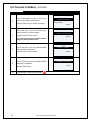
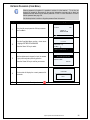
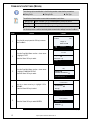
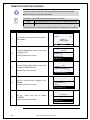
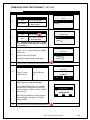
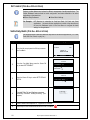
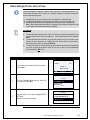
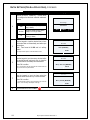
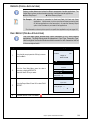
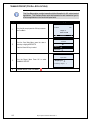
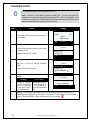
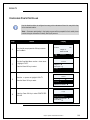
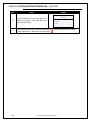
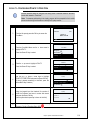
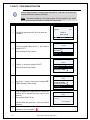
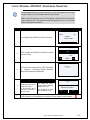
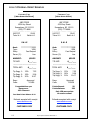
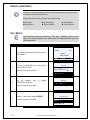
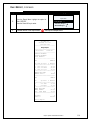
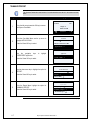
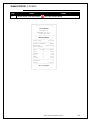
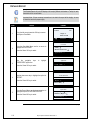
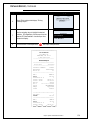
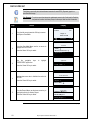
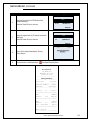
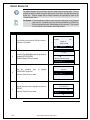
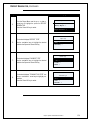
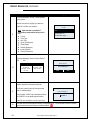
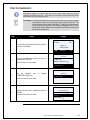
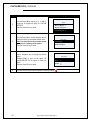
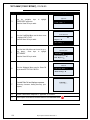
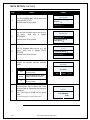
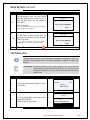
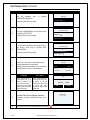
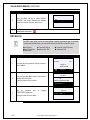
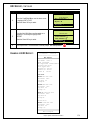
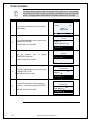
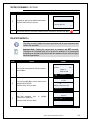
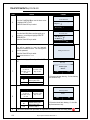
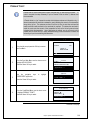
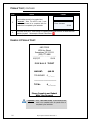
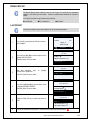
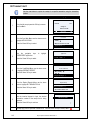
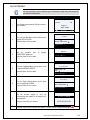
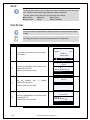
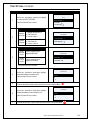
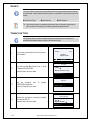
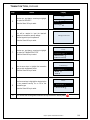
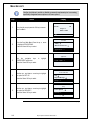
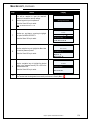
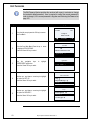
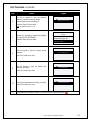
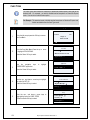
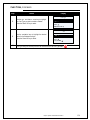
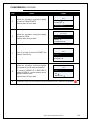
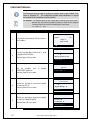
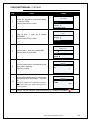
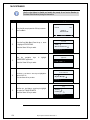
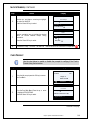
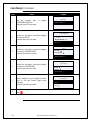
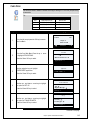
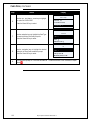
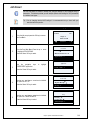
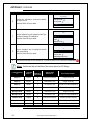
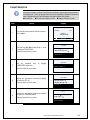
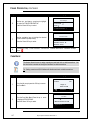
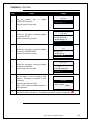
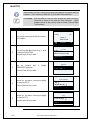
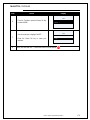
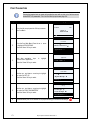
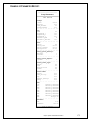
PRINT PARAMETERS Printing the terminal set up report will provide the user with a print out of all the current terminal SET UP parameters. For a list of all Set Up options see page 133. Step 1. Action Display From the idle prompt press the OK key to access the Core Menu. 02/01/08 2:03 Swipe or Enter Card# Fé é Favorites Core Menu 2. From the Core Main Menu Press the up arrow to highlight APPLICATIONS. Press the Green OK key to select Utility → Retrieve Password → Applications → 3. Use the navigation keys CREDIT/DEBIT application. to Applications highlight Credit / Debit → Press the Green OK key to select. Credit / Debit 4. Use the up and down arrow keys to highlight the option for SET UP. Press the Green OK key to select. Tip → Reprint Receipt → Set Up → Set Up 5. Use the up and down arrow keys to highlight the option for PRINT PARAMETERS Press the Green OK key to select. Card Types → Trans Prompts → Print Parameters → 6. 171 The terminal will print out a Paramter Set Up report detailing your terminal level settings. Dejavoo Systems Instruction Manual V429.12 Fê