1
Chapter 9: MarkIIG™ Maintenance
Care and Storage of Sensor Panel and Cable
• Do not unplug the sensor panel and cable while the MarkIIG™ power supply box
is powered on!
• The sensor panel should be stored in the sensor panel protective sleeve,
and in a cool dry place.
• Avoid placing the sensor panel in water.
• Avoid extreme temperature changes when using the sensor panel.
• Use non-abrasive cleaner when cleaning the sensor panel.
• The sensor panel cable should be stored in loose coils (fan folded), not tightly wound.
• Avoid stepping on the cables.
• Avoid twisting cable during use and storage.
• Avoid stacking heavy objects on top of the MarkIIG™ when stored in nylon carrying case.
• Remove from nylon carry case if using for extended period of time (30+ minutes).
Calibration Procedures
Perform the calibration at least once a month.
1. Make sure the sensor panel is clean, removed from protective nylon sleeve, and there is
nothing on the panel (i.e., Right or Left markers, dirt, tape, etc.).
2. Align the crosshairs of the x-ray machine collimator on the X, Y, and Z axis of the sensor
panel. Open the collimator to include the entire sensor panel.
3. Set the x-ray focal distance from the anode to the sensor panel at 36 inches.
For most portable x-ray machines (80/15), a technique of 66kVp and 0.07 seconds
(approximately 1.0 mAs) works well. The MarkIIG™ will indicate if the exposure is under or
over the required dose. Adjust the technique until adequate.
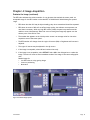
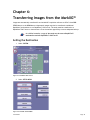
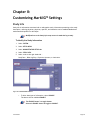
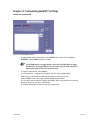
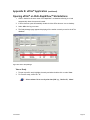
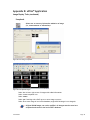
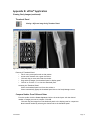
Figure 9-1: System > Calibration Sound-Eklin™
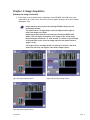
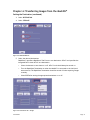
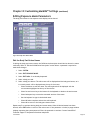
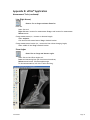
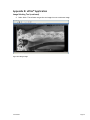
Figure 9-2: Start Calibration
Page 38