1
Appendix B: eFilm™ Application
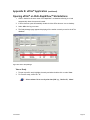
Opening eFilm™ on the MarkIIG™ Laptop
The MarkIIG™ contains the fully integrated PACS viewer eFilm™. Use the Hot Key feature to open
eFilm™.
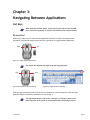
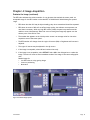
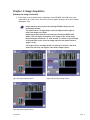
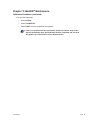
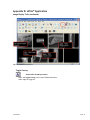
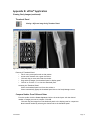
With the acquisition software in the main screen use the Hot Key feature to toggle to eFilm™.
1. Depress and hold down the left side of the mouse.
2. Click the right side of the mouse.
3. Repeat steps to toggle between eFilm™ and acquisition software.
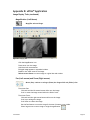
Figure B-1: Acquisition Software Main Screen
Sound-Eklin™
Page 49