1
Appendix B: eFilm™ Application
Image Display Tools (continued)
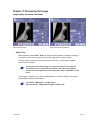
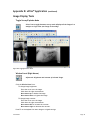
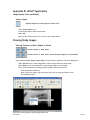
Magnification (Left Mouse)
Magnifies selected image.
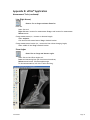
Figure B-10: Magnify ROI
Click the Magnification icon.
Place cursor over the image.
Hold down left mouse button.
Enlarged image appears in expanded window.
Scroll to view other areas of the image.
Release mouse button to return image to original size and window.
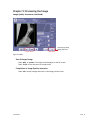
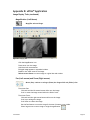
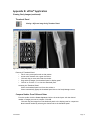
Pan (Left mouse) and Zoom (Right mouse)
Moves (Pan), reduces or enlarges (Zoom) the image within the field of view.
To activate Pan:
Click and hold the left mouse button while over the image.
Scroll to move the image around within the field of view.
To
Sound-Eklin™
activate Zoom:
Click and hold the right mouse button while over the image.
Scroll up to enlarge the image.
Scroll down to reduce the image.
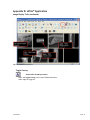
Use the Pan feature to move the image if the area of interest is not visible.
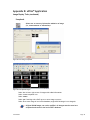
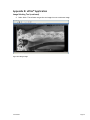
Select large arrow to return image to original magnification.
Page 56