1
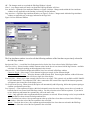
SPECIFIC FUNCTIONS WITHIN THE SG-EDIT PULL-DOWN MENU
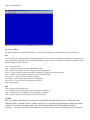
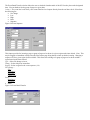
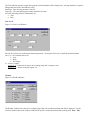
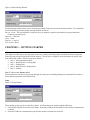
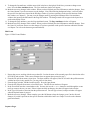
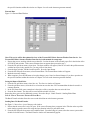
Figure 2-2 SG-Edit Pull-Down Menu
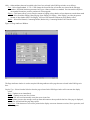
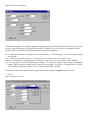
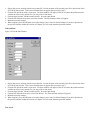
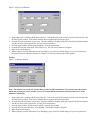
There are numerous windows that appear when selections are made from the SG-Edit pull-down menu. They are described
below as they appear.
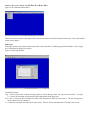
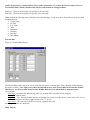
Edit Pages
Each page resident on the current character generator can be edited here, including page and line attributes. Select a page
to be edited from the Page field to begin.
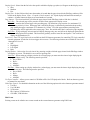
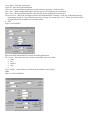
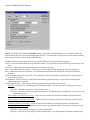
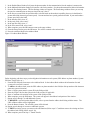
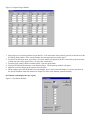
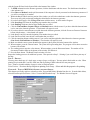
Figure 2-3 Edit Page Window
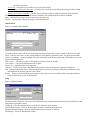
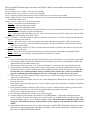
Available Selections:
Page – Select a page to edit or add by entering a figure (1-600) in the page field. You may also use the left (<<) or right
(>>) arrows to decrement or increment the figure that appears in the page field.
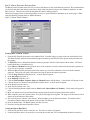
Line 1 thru 8 – Select the line to add/edit text with a click of the mouse in the box next to line #. The text will appear in
the line where the box is checked.
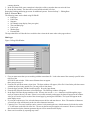
C – Centers the text on the line with a click of the mouse. The text will be centered on the CG output video screen.