1
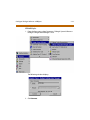
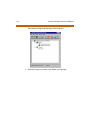
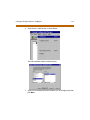
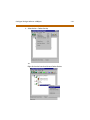
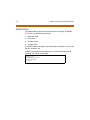
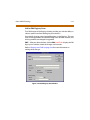
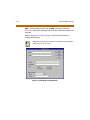
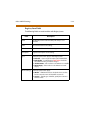
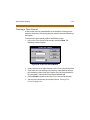
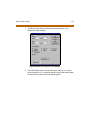
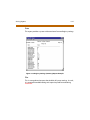
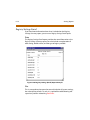
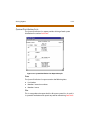
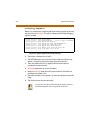
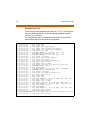
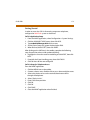
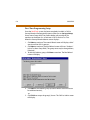
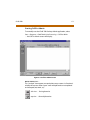
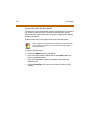
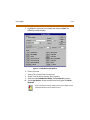
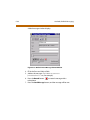
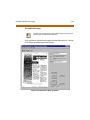
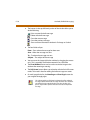
C-58 Onelook (Unified Messaging) Installation To install Onelook, run SETUP.EXE as described in the System Administrator Manual. If Onelook + Point to Point Server is already installed, then installation is not required. If you have Point to Point messaging installed, you do not need to perform the server installation described in this section. Do not try to install the server portion of Onelook on a system that already has Point to Point messaging installed. Configuring the Onelook + Point to Point Server 1. Use notepad.exe to edit the \HELLONT\NTMAIL.INI file. 2. Make sure the following settings are correct: [HELLONT] LocalMessagesDirectory=C:\HELLONT\messages TelnetPort=23 login=HELLONT password=hnttelnet 3. Place a shortcut to \HELLONT\NTMAIL.EXE in your Start-Up group. Client PC As part of Onelook client installation, the following components will be installed: Voice Form server Facsimile Form server Installation To install Onelook on a client PC: 1. Make sure all programs are closed. 2. Run the program in the ONELOOK CLIENT INSTALL directory. The name of this program could vary depending on what version of Onelook Client you have on your CD.