1
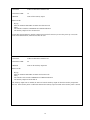
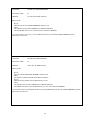
Definition of Terms used
1.
Key up – To activate the control or repeaters receiver COS and/or CTCSS input – To put the controller
in a ‘receiver active’ state
2.
Unkey – To deactivate The control or repeaters receiver COS and/or CTCSS input – To put the controller in
a ‘Receiver Not active’ state
3.
COMMAND ACCEPTED indication – The controller sends a CW letter “K” for “OK”
4.
ENTER NEXT DATA code – The controller sends a CW letter “M” for “ready for MORE information”
5.
BAD DATA – The data entered is not what the controller was expecting, the controller sends a CW letter “B”
6.
A decimal point can be entered on some functions by using the ‘*’ key on your touch pad
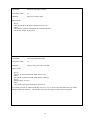
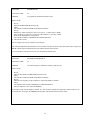
FUNCTION:
ENABLE THE REPEATER TRANSMITTER PTT
FUNCTION CODE:
32
PURPOSE:
Enables the controller’s Push To Talk output
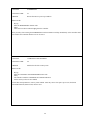
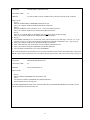
HOW TO USE:
1.
2.
3.
4.
5.
Key up
Enter the ENABLE THE REPEATER TRANSMITTER PTT function code.
Unkey
The controller sends the COMMAND ACCEPTED indication
The controller’s PTT output is now enabled.
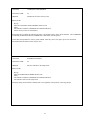
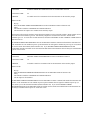
The ENABLE THE REPEATER TRANSMITTER PTT command will enable the Single M controller’s PTT output.
If the controller’s PTT was disabled on power up the controller’s PTT will again be disabled on power up (or reset)
unless you use SAVE STATUSES (function #68). If you ENABLE THE REPEATER TRANSMITTER PTT and
then use the SAVE STATUSES function the PTT will always be enabled when a power or warm reset occurs.
14