1
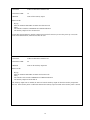
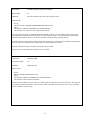
FUNCTION:
ACTIVATE BEACON MODE
FUNCTION CODE:
79
PURPOSE
Sets the IDer to operate in ‘Beacon Mode”
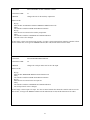
HOW TO USE:
1.
2.
3.
4.
5.
Key up
Enter the ACTIVATE BEACON MODE function code
Unkey
The controller sends the COMMAND ACCEPTED indication
The controller is now in Beacon Mode mode
To make this function permanent (function stays active after power up or reset) the SAVE STATUSES function
(function # 68) must be used.
In Beacon mode the IDer will ID whether or not the transmitter has been activated. The time in-between IDs will be
what the pending ID timer (See Function #56) is set to. If a receiver input is active when the ID Interval timer times
out the IDer will start the polite ID timer (See Function #55). The IDer will not ID until the polite ID timer times out
or the receiver input is no longer active.
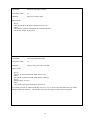
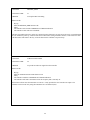
FUNCTION:
DEACTIVATE BEACON MODE
FUNCTION CODE:
80
PURPOSE
Sets the IDer back to normal mode – disables the Beacon function
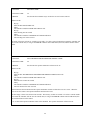
HOW TO USE:
1.
2.
3.
4.
5.
Key up
Enter the DEACTIVATE BEACON MODE function code
Unkey
The controller sends the COMMAND ACCEPTED indication
The controller will now not be in Beacon mode
To make this function permanent (Function stays active after power up or reset) the SAVE STATUSES function
(function #68) must be used.
38