1
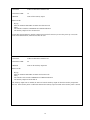
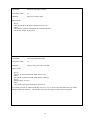
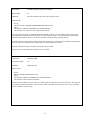
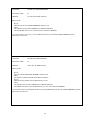
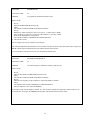
FUNCTION:
ENTER NEW ID
FUNCTION CODE:
63
PURPOSE:
To program the information the IDer sends
HOW TO USE:
1.
2.
3.
4.
5.
6.
7.
8.
9.
10.
Key up
Enter the ENTER NEW ID function code
Unkey
The controller sends the ENTER NEXT DATA indication
Key up
Hold the key while entering in a series of 0’s (space), 1’s (DIT) and 2’s (DAH).
The 0’s will enter a space, the 1’s will enter a DIT and the 2’s will enter a DAH.
When all the information is entered unkey.
The controller sends the COMMAND ACCEPTED indication
The new ID is stored
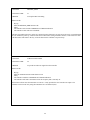
There is enough room to store as much as two call signs.
If the controller did not like the information it received the controller will not save the entered data and it will give the
ERROR or BAD VALUE indication (B in CW) and the function will be ended.
To verify the ID was entered correctly use force ID function (function #34).
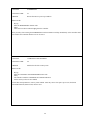
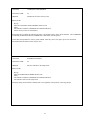
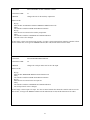
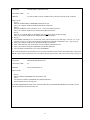
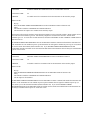
FUNCTION:
SET NEW CW FREQUENCY
FUNCTION CODE:
64
PURPOSE:
To set the frequency at which the controller sends any tone
HOW TO USE:
1.
2.
3.
4.
5.
6.
7.
8.
9.
Key up
Enter the SET NEW CW FREQUENCY function code
Unkey
The controller sends the ENTER NEXT DATA indication
Key up
Enter the new frequency for the controller to send (from 400Hz to 1500Hz)
Unkey
The controller will send the COMMAND ACCEPTED indication
The new frequency is now stored in EEPROM
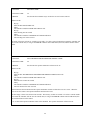
The frequency range is from 400Hz to 1500Hz. If a value is entered outside these limits the controller will not save
the entered value, it will give the ERROR indication (B in CW) and the function will be ended.
30