1
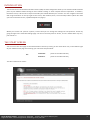
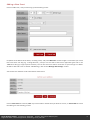
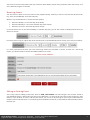
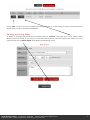
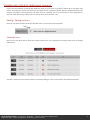
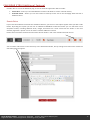
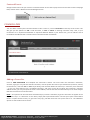
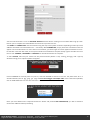
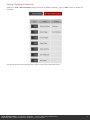
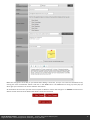
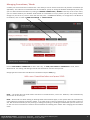
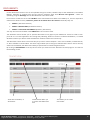
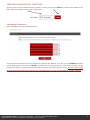
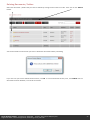
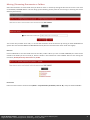
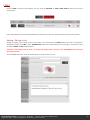
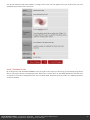
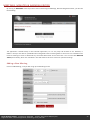
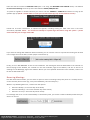
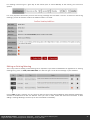
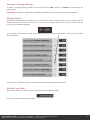
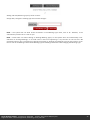
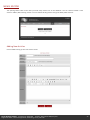
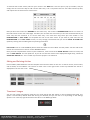
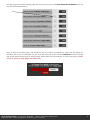
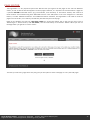
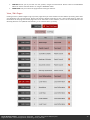
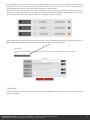
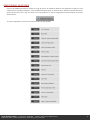
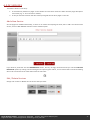
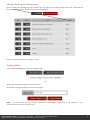
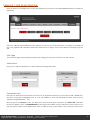
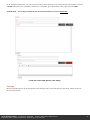
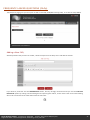
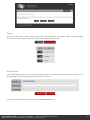
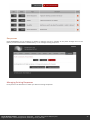
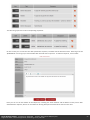
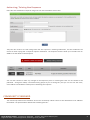
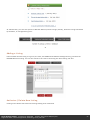
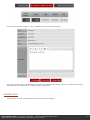
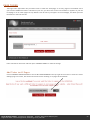
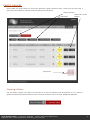
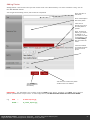
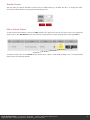
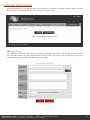
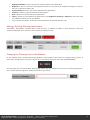
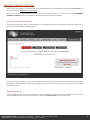
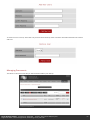
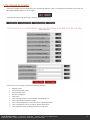
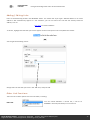
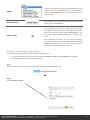
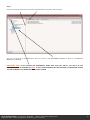
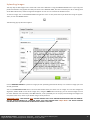
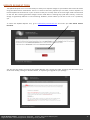
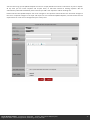
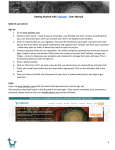
You will then receive confirmation that your event has been added, and you may proceed to add a new event, or to use a different program on the SAS. Recurring Events You also have an option to reoccur events if they happen weekly, monthly or even on the same day of the month (e.g. every second Monday, third Thursday etc.). Where it says ‘Event Reoccurs’, choose from the options: Reoccurs Weekly (i.e. the same day of the week) Reoccurs Monthly (i.e. the same calendar day of the month) Reoccurs on the (i.e. the same day of the month) For events that occur on the same weekday or calendar day each, you set the number of weeks/months that you want it to reoccur: For events reoccurring on a given day of the month (such as second Monday of the month), you have more options: It is really important that when you have reoccurring events the start date is correct. As with non- reoccurring events, you will be asked to confirm the addition before it is saved: Editing an Existing Event This is very similar to adding a new event. Click on VIEW / EDIT EVENTS. You will then get a list of all the events in your database shown in date order from the current date (this is so that you do not have to view all the old / past events). If you do want to view / edit the past events, you can do so by clicking on the link just underneath the buttons. Please note that there is no need to go back and delete old events, as the database automatically archives them for you. Parish Websites Limited Company No. 05417450 Director. Neil C Pfister BA(Hons),LLB Registered Office: 3 Great George Street, Godalming, Surrey, GU7 1EE 9