1
4-7
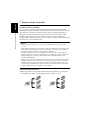
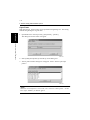
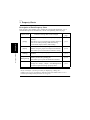
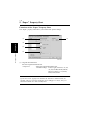
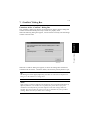
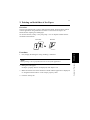
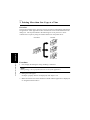
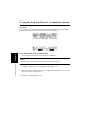
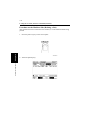
3. Printing More than One Copy at a Time
4692P183CA
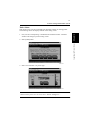
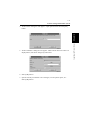
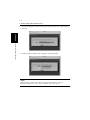
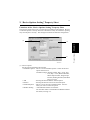
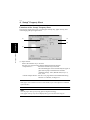
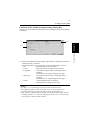
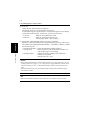
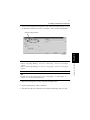
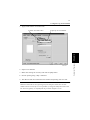
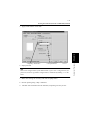
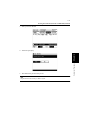
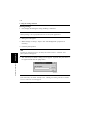
5. Specify Collated.
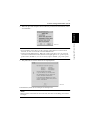
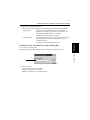
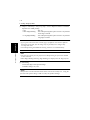
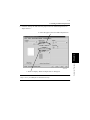
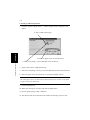
4. In “Copies”, set the number of copies to be printed.
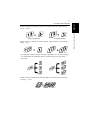
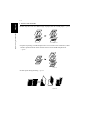
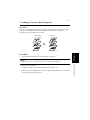
5. In “Collate”, select “Collated” so that the printed pages are sorted into copy sets.
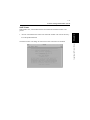
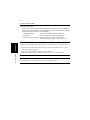
TIP
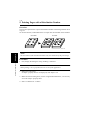
When “Uncollated” is selected, printed page will be sorted into groups of
identical pages.
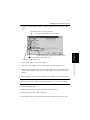
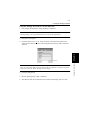
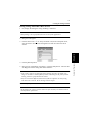
6. Make other settings as necessary and click the [OK] button.
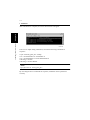
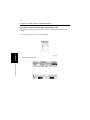
7. Execute printing using “dilpr” command.
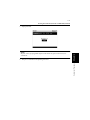
8. The data will be transferred to the machine and printing will soon start.
Convenient Functions
Chapter 4
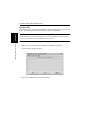
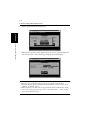
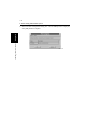
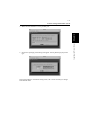
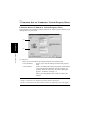
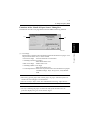
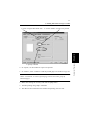
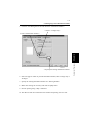
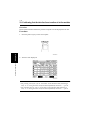
3. Check “Original Document Size.” 4. Set the number of copies to be printed.