1
3-21
7. “Conflicts” Dialog Box
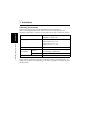
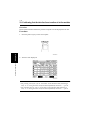
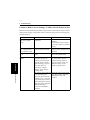
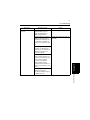
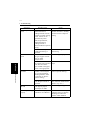
Functions of the “Conflicts” Dialog Box
4692P110CA
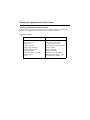
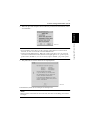
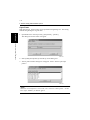
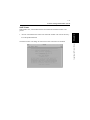
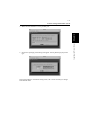
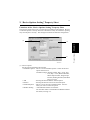
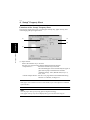
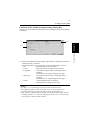
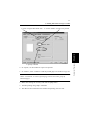
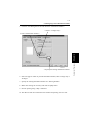
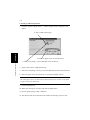
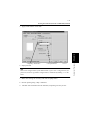
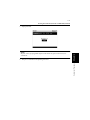
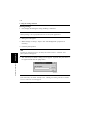
When the “Conflicts” dialog box appears, it shows the settings that could not be
combined with each other. Check the details, and click the [Cancel] button to quit.
Tip
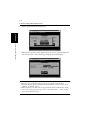
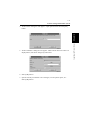
The dialog box looks slightly differently from this one when Device Options are
being set or the PS driver is being used.
NOTE
Some settings, which are defied by the machine for the restricted combinations of
different functions, can at times be accepted by the printer driver. If a print
command is issued from the personal computer with such settings made, the
machine does not produce the output correctly or abandons the job to produce
nothing. Make sure that you make correct settings.
Property Sheets
Chapter 3
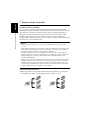
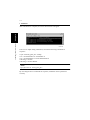
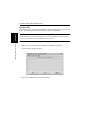
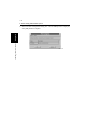
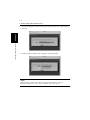
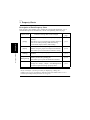
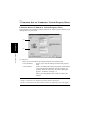
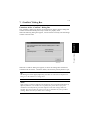
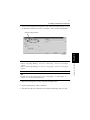
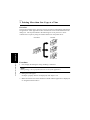
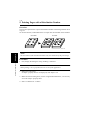
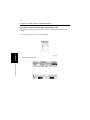
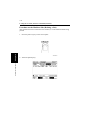
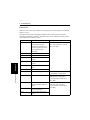
The “Conflicts” dialog box, like the one shown below, appears when a setting that
conflicts with another made previously is made on a property sheet.
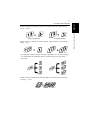
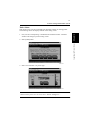
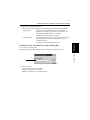
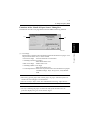
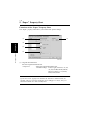
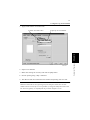
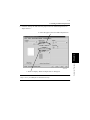
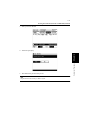
When the following dialog box appears, it shows that the currently selected settings
conflict with each other.