1
Debugging
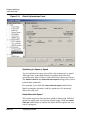
System-Level Connect
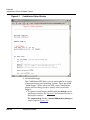
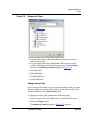
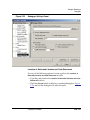
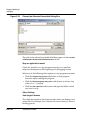
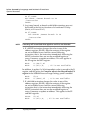
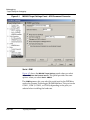
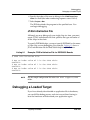
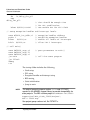
To debug a loaded target:
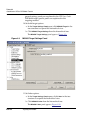
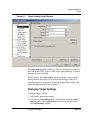
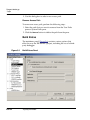
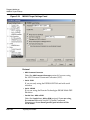
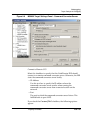
1. Disable the Always Reset on Download and Always Load Program
at Debugger Launch options in the M56800 Target Settings panel.
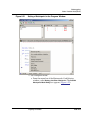
2. Form the menu bar of the Metrowerks CodeWarrior
window, select Project > Debug.
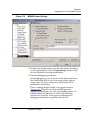
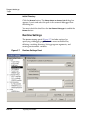
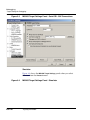
Your application begins at the entry point specified in the
entry point in the M56800 Linker Settings panel without resetting
the hardware.
System-Level Connect
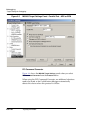
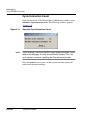
The CodeWarrior IDE DSP56800 debugger lets you connect to a
loaded target board and view system registers and memory. A
system-level connect does not let you view symbolic information
during a connection.
NOTE
The following procedure explains how to connect in the context of
developing and debugging code on a target board. However, you
can select the Debug > Connect command anytime you have a project
window open, even if you have not yet downloaded a file to your target board.
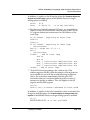
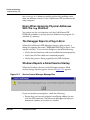
To perform a system-level connect:
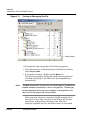
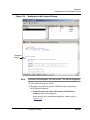
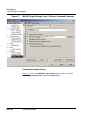
1. Select the Project window for the program you downloaded.
2. From the menu bar, select Debug > Connect.
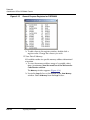
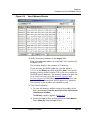
The debugger connects to the board. You can now examine
registers and the contents of memory on the board.
DSP–222
Targeting DSP56800