1
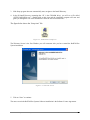
3. If the Setup program does not automatically start, navigate to the Install Directory.
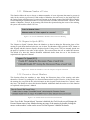
4. In the D:/Install Directory (assuming that “D” is the CD-ROM drive), you will see a file called
“SETUP RollCall-Pro.exe”. Double-click on this icon and the installation program will start and
guide you through the rest of the installation. Follow the onscreen instructions.
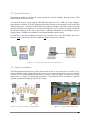
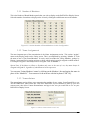
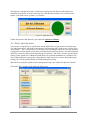
The figure below shows the “Setup icon” file:
Figure 1-1. RollCall-Pro Setup Icon
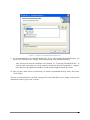
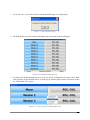
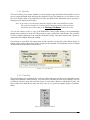
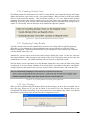
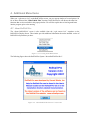
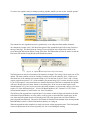
The Welcome Screen is the first Window you will encounter after you have started the RollCall-Pro
System installation.
Figure 1-2. Welcome Screen
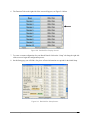
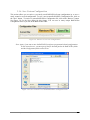
5. Click on “Next” to continue.
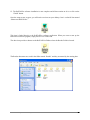
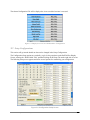
The next screen in the RollCall-Pro Systems Software installation is the Software License Agreement.
Installation & Setup of RollCall-Pro System
1-2