1
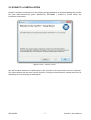
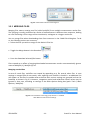
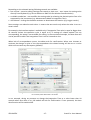
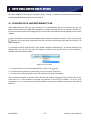
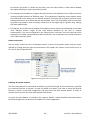
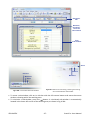
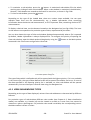
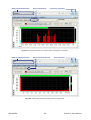
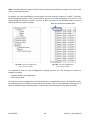
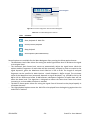
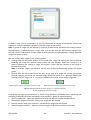
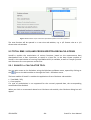
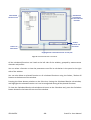
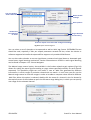
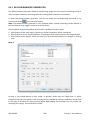
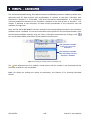
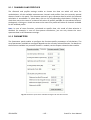
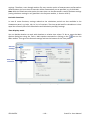
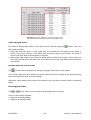
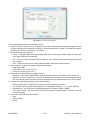
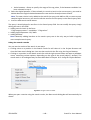
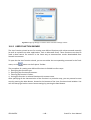
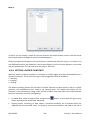
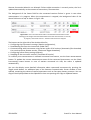
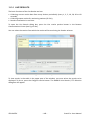
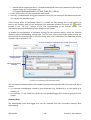
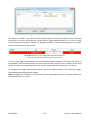
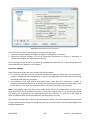
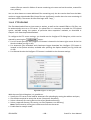
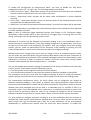
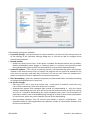
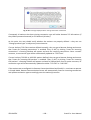
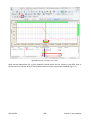
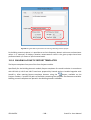
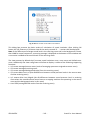
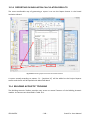
Fig.6-5. Configuration of data export to Microsoft Word settings.
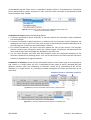
In the panel on the left side of the Send To Microsoft Word dialog box you can select the target
Microsoft Word document. All currently opened documents are displayed on the list. The New
Document option enables to create a new Microsoft Word document for the exported data.
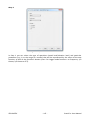
On the right side of the window you can decide whether the data should be inserted below the
current document contents (Insert at document end) or at the current position of the cursor in the
opened document (Insert at cursor position). You can enable to automatically select the newly
inserted data in Microsoft Word (Select inserted data).
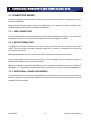
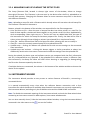
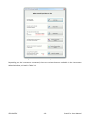
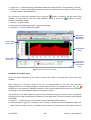
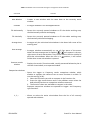
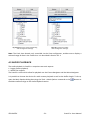
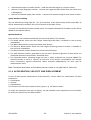
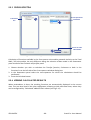
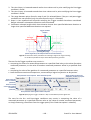
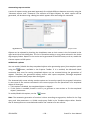
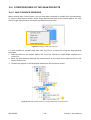
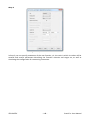
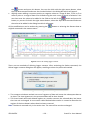
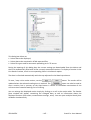
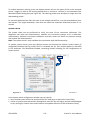
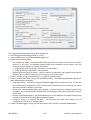
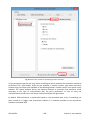
If you enable the Remember this choices and don’t ask again option, the next export will be done
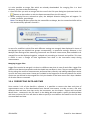
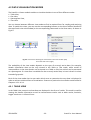
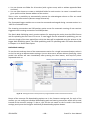
with the same settings and the Send To Microsoft Word dialog box will not appear. The same can
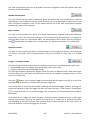
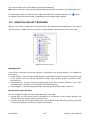
be obtained using the Use Last Settings command from the pulldown menu opened next to the
icon.
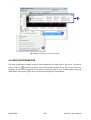
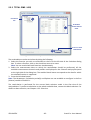
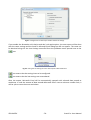
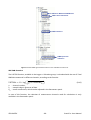
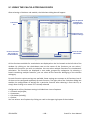
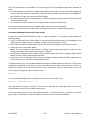
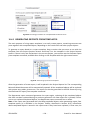
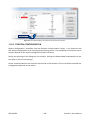
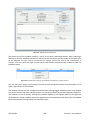
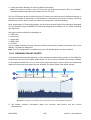
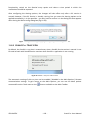
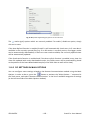
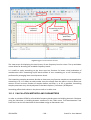
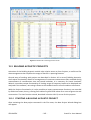
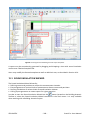
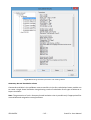
Fig.6-6. Saving the last settings for later data exports to Microsoft Word.
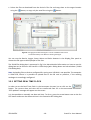
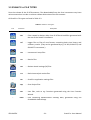
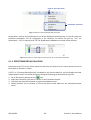
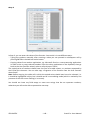
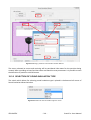
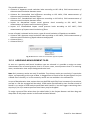
icon means that the settings have to be configured.
icon means that the last settings are remembered.
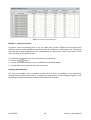
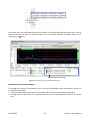
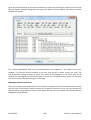
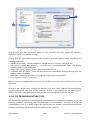
After the export, Microsoft Word will be automatically opened with selected data pasted to the
selected document.
© SVANTEK
- 72 -
SvanPC++ User Manual