1
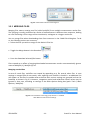
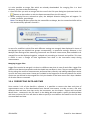
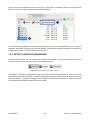
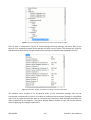
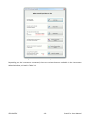
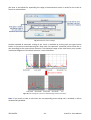
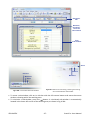
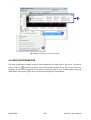
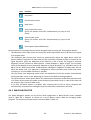
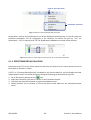
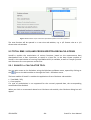
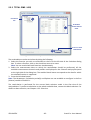
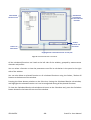
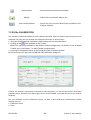
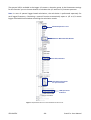
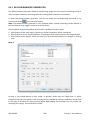
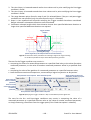
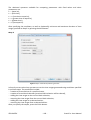
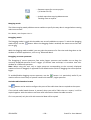
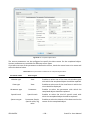
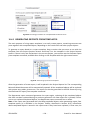
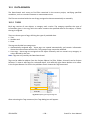
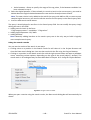
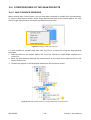
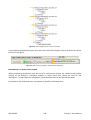
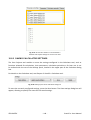
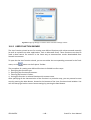
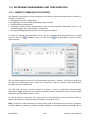
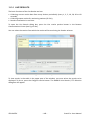
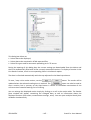
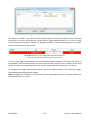
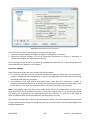
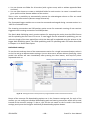
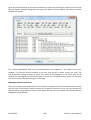
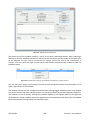
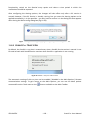
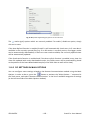
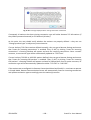
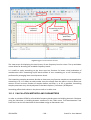
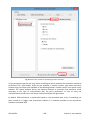
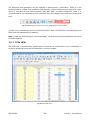
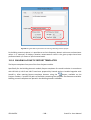
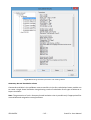
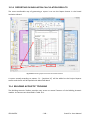
10.5 DATA SEARCH The Data Search tool serves to find files contained in the current project, satisfying specified conditions, such as a certain filename or measurement time. The files are searched with the use of tags, assigned to them automatically or manually. 10.5.1 TAGS Each tag consists of two objects: a category and a value. The category specifies the type of information given in the tag, while the value contains the specified data for the object, to which the tag is assigned. There are three types of tags, defining the type of provided data: Text, Number and Date. The tags are divided into two groups: Automatically assigned tags - these tags are created automatically and contain information about the measurement and the file. This group of tags cannot be modified. User tags - these tags are assigned to the object manually and can contain any category or value, defined by the user. Note: Tags are only used by the Data Search tool. Tags can be added to objects from the Project Objects list (files, folders, channels) and to Project Sessions. To view or edit tags for a selected object, click with the right mouse button on its name in the Project Browser list and in the pulldown menu choose the Tags command. Fig.10-27. Opening the Tags dialog box. After activating the Tags command, the Tags dialog box will appear. © SVANTEK - 136 - SvanPC++ User Manual