1
5.2.3 CROSS-SPECTRA
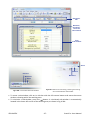
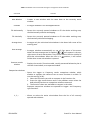
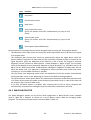
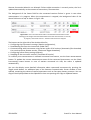
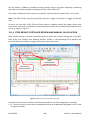
Functions
list
Cross-spectrum
selection
1
2
3
Press to start
calculation
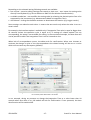
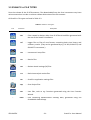
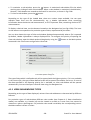
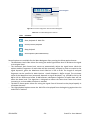
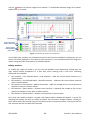
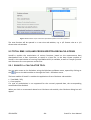
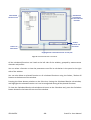
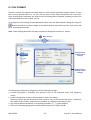
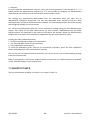
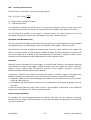
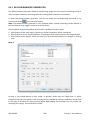
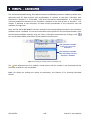
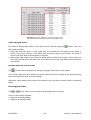
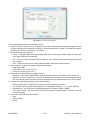
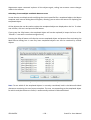
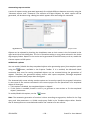
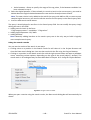
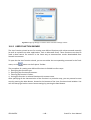
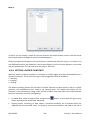
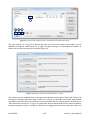
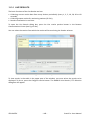
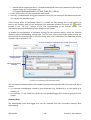
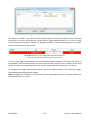
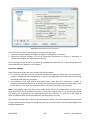
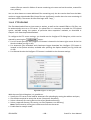
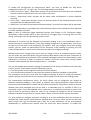
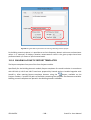
Fig.5-11. Calculator dialog box for Cross-spectra recalculations.
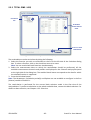
Calculation of functions available in the Cross-spectra sub-module proceeds similarly to the Total
RMS / LEQ sub-module, the only difference being the selection of data made in the Parameters
panel instead of the Channels and profiles panel.
1. Choose whether you wish to calculate the Transfer function, Coherence or both in the
functions list at the left side of the Cross-spectra calculator dialog box.
2. In the Parameters panel select the cross-spectrum for which the calculations should be
performed.
3. Press the Calculate button.
5.2.4 VIEWING CALCULATED RESULTS
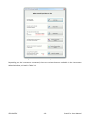
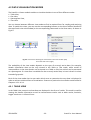
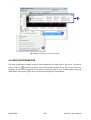
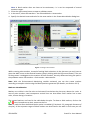
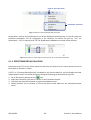
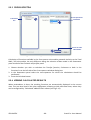
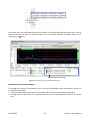
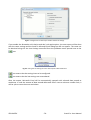
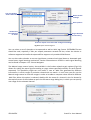
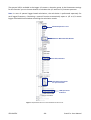
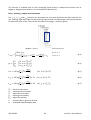
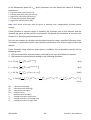
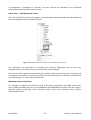
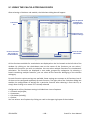
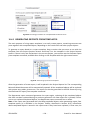
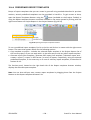
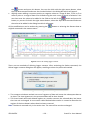
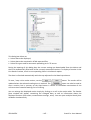
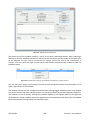
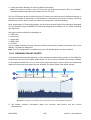
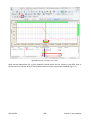
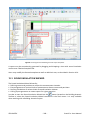
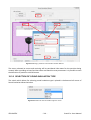
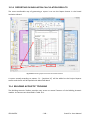
When recalculation is done, the resulting functions are automatically displayed in the current
view. They are also listed in the View configurator, allowing to hide and show them, where they
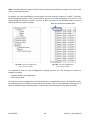
can be recognized by “Calculated” added to their names (see Fig.5-12).
© SVANTEK
- 66 -
SvanPC++ User Manual