1
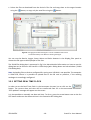
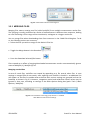
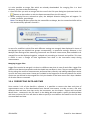
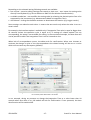
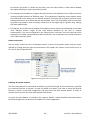
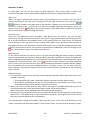
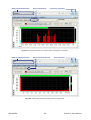
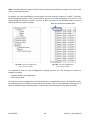
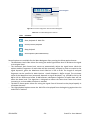
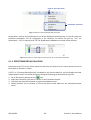
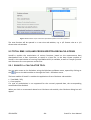
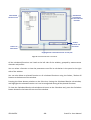
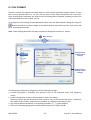
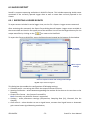
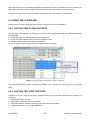
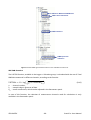
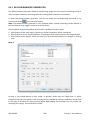
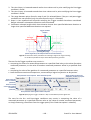
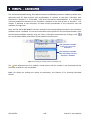
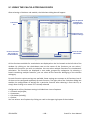
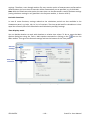
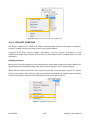
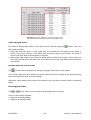
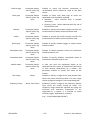
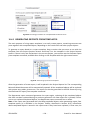
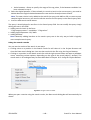
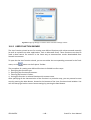
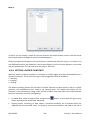
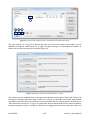
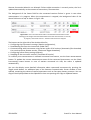
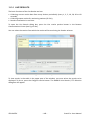
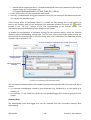
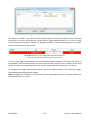
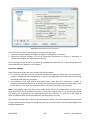
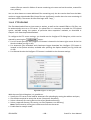
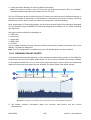
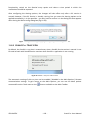
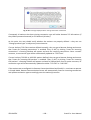
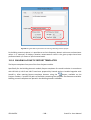
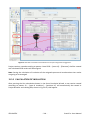
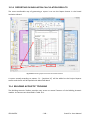
Fig.10-25 The Report templates browser.
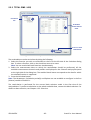
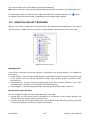
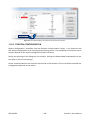
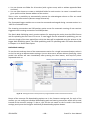
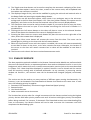
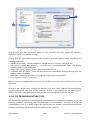
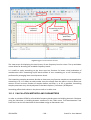
The predefined report templates can also easily be applied for generation of reports using the
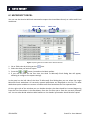
Generate report Wizard. You can open it using the
button, located on the Projects Toolbar.
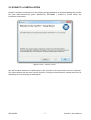
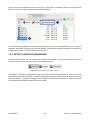
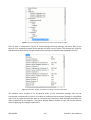
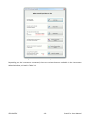
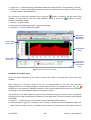
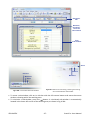
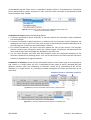
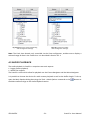
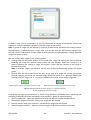
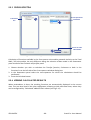
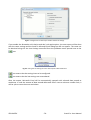
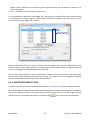
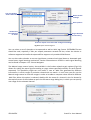
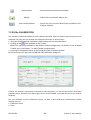
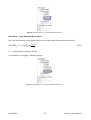
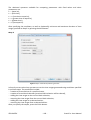
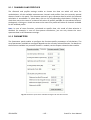
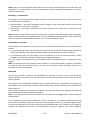
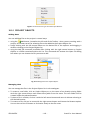
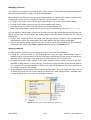
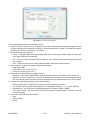
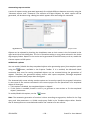
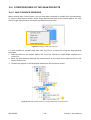
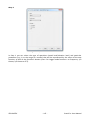
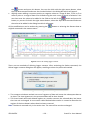
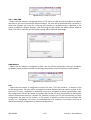
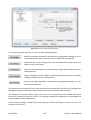
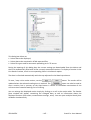
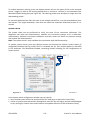
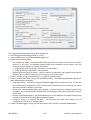
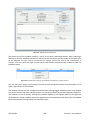
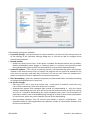
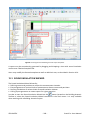
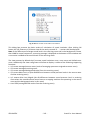
Fig.10-26 The Generate report wizard.
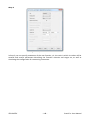
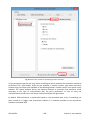
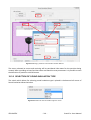
To generate a report, simply select a folder in the list of available reports templates and press
Next; the Wizard automatically finds data that fit the templates in the selected folder.
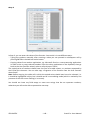
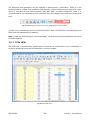
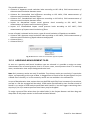
Note: A report can be generated using the Wizard only if a template fits the data in 100%, i.e. all
the templated objects can be replaced. Otherwise the template is considered as not matching the
results in the current project and the report is not generated.
© SVANTEK
- 135 -
SvanPC++ User Manual