1
4.9
Resource Programming
804
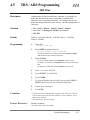
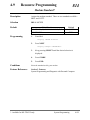
External Pager BGM
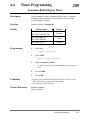
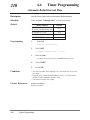
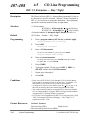
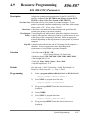
Description
Used to determine which external pagers will receive Background
Music (BGM). BGM –External is turned on and off by Operator 1.
Selection
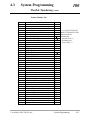
• External pager number: KX-TD816 – 1
KX-TD1232 – 1 through 4
• Disable (sends no BGM) / Enable (sends BGM)
Default
All external pagers – Disable
Programming
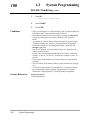
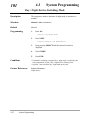
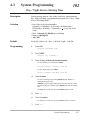
1.
Enter 804.
Display: Ext–Pag BGM
2.
Press NEXT.
Display: Pager NO?->
3.
Enter an external pager number.
To enter pager number 1, you can also press NEXT.
Display example: Pager1:Disable
4.
Keep pressing SELECT until the desired selection is displayed.
5.
Press STORE.
6.
To program another pager, press NEXT or PREV, or SELECT
and the desired external pager number.
7.
Repeat steps 4 through 6.
8.
Press END.
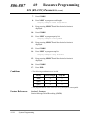
Conditions
• For KX-TD816, one external pager can be installed. Please skip steps 6
and 7.
• The external pager is a user-supplied item. For KX-TD1232, two
external pagers can be installed per system. External pagers 1 and 2 are
installed in the Master System, 3 and 4 in the Slave,
if available.
• Program [006] “Operator / Manager Extension Assignment” is used to
assign an extension as Operator 1.
• Program [803] “Music Source Use” is used to select the music source to
be used for BGM.
Feature References
Section 3, Features,
Background Music (BGM) – External
System Programming
4-115