1
4.5
TRS / ARS Programming
313
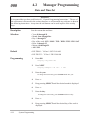
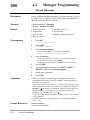
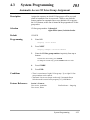
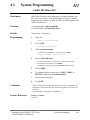
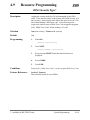
ARS Time
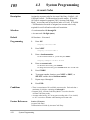
Description
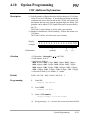
Assigns times for the four ARS time schedules. It is possible to
split a day into four time zones (maximum) so that the least
expensive line is selected for that time. According to the service
hours and charges offered by your carriers, enter the starting time of
each zone.
Selection
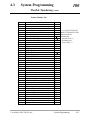
• Time schedule: Time-A / Time-B / Time-C / Time-D
• Time (hour) : 1 through 12 / Disable (no schedule)
• AM / PM
Default
Time-A – 8:00 AM; Time-B – 5:00 PM; Time-C – 9:00 PM;
Time-D – Disable
Programming
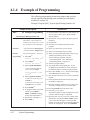
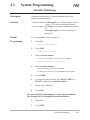
1.
Enter 313.
Display: ARS Time
2.
Press NEXT to program Time-A.
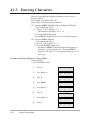
Display example: Time-A: 8:00 AM
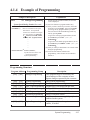
To program another time schedule, keep pressing NEXT or PREV
until the desired time schedule is displayed.
3.
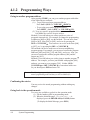
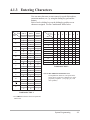
Enter the hour.
To set no schedule (Disable), press SELECT, and go to step 6.
If “Disable” is selected, pressing SELECT shows the previous stored
hour.
To change the current entry, press CLEAR and the new hour.
4.
Press → to select AM / PM.
5.
Press SELECT for AM or PM.
6.
Press STORE.
7.
To program another time schedule, keep pressing NEXT or
PREV until the desired time schedule is displayed.
8.
Repeat steps 3 through 7.
9.
Press END.
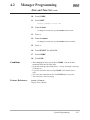
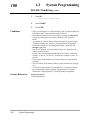
Conditions
• The times must be programmed in sequence from Time-A to Time-D.
Enter a starting time for each time schedule. Select “Disable” for an
unnecessary schedule.
• You cannot leave the entry empty.
Feature References
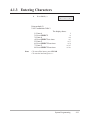
Section 3, Features,
Automatic Route Selection (ARS)
System Programming
4-71