1
4.3
System Programming
108
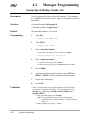
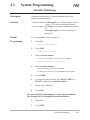
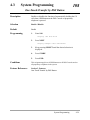
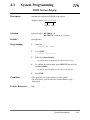
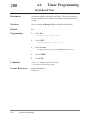
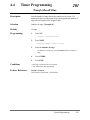
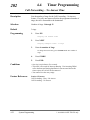
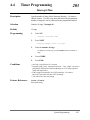
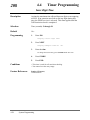
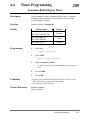
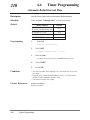
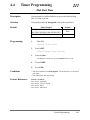
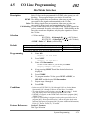
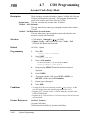
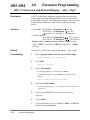
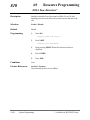
One-Touch Transfer by DSS Button
Description
Enables or disables the function of automatically holding the CO
call when a DSS button on the DSS Console or proprietary
telephone is pressed.
Selection
Enable / Disable
Default
Enable
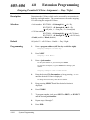
Programming
1.
Enter 108.
Display: DSS Auto Hold
2.
Press NEXT.
Display example: Auto HLD:Enable
3.
Keep pressing SELECT until the desired selection is
displayed.
4.
Press STORE.
5.
Press END.
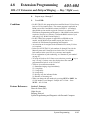
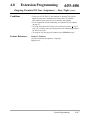
Conditions
This assignment applies to all DSS buttons on all DSS Consoles and on
all proprietary telephones in the system.
Feature References
Section 3, Features,
One-Touch Transfer by DSS Button
System Programming
4-39