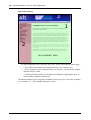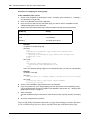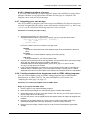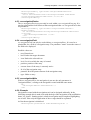
1
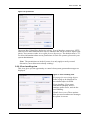
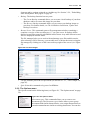
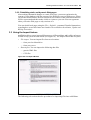
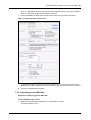
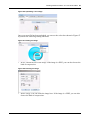
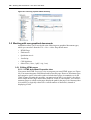
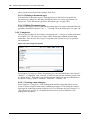
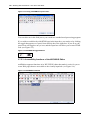
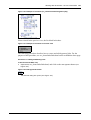
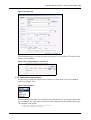
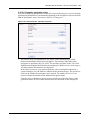
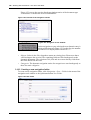
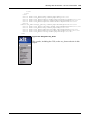
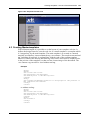
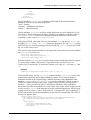
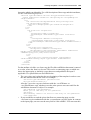
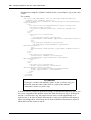
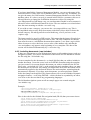
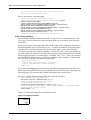
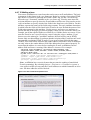
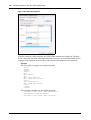
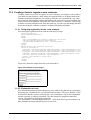
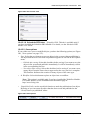
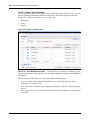
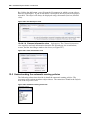
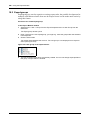
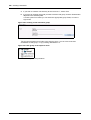
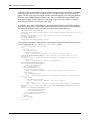
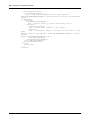
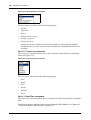
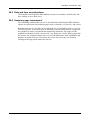
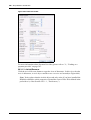
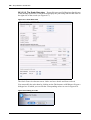
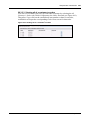
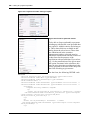
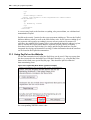
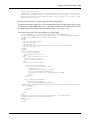
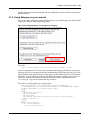
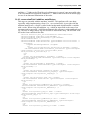
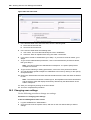
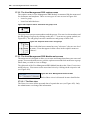
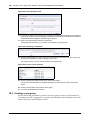
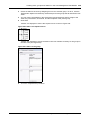
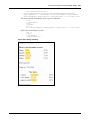
384 Linking to a payment provider </p> <p> <label> </label> <input type="submit" class="inputButton" name="order" value="Weiter" /> </p> <p> (*) Mandatory fields </p> </fieldset> </we:form> A correct entry leads to the fact that everything, also personal data, are validated and transmitted to PayPal. PayPal needs exactly 2 entries for the correct payment winding up. This are the PayPal business address (email) as well as the ISO-country code for the correct winding up of the payment with regard to accordingly correct currency and tax. By means of a selectbox the suitable ISO-Country code is selected and the business address is given what is actually the PayPal email address. Optional you may choose in another Selectbox between the PayPal shop (live shop) and the PayPal sand box (PayPal integrated developing environment for testing). Further information about the sand box can be found in the PayPal documentation. 31.3 Using PayPal on the Website For the data transmission to PayPal the PayPal tag can be used, if the neccessary data has been enetered in the backend.First of all there should be, e.g., a PayPal Buy Now button which links on a special PayPal page. This should be placed within the data-transmitting form. Figure 433 PayPal Buy Now Button (german example) the corresponding XHTML source code: Standard 4.1.1 October 2006