1
Adjusting Billing Parameters
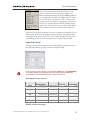
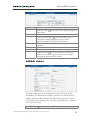
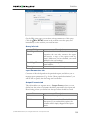
1300. In either case, if there is not enough room to generate the specified
number of accounts, generation will not begin and an alarm mail will be
sent immediately.
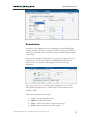
Callshop features
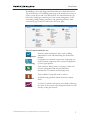
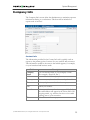
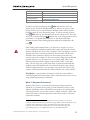
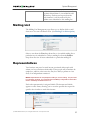
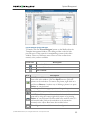
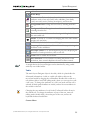
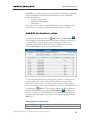
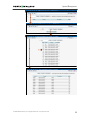
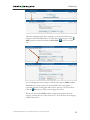
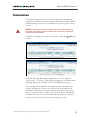
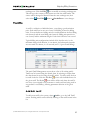
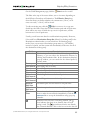
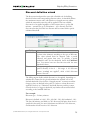
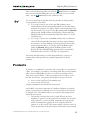
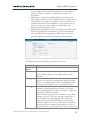
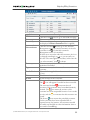
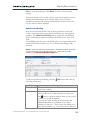
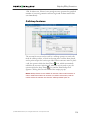
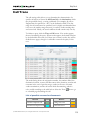
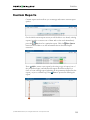
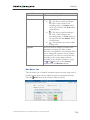
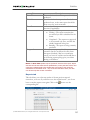
The account list screen can be used by a callshop operator to track calls
made in callshop cabins, to block an account after a call has been placed,
and to print receipts for services provided. When someone wants to place
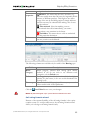
a call, the operator clicks the Start Timer
icon, which automatically
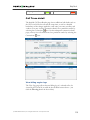
unblocks the account. After the call, when the user is ready to pay, the
operator clicks the Stop Timer
icon, and the Print Receipt icon
appears. Clicking this icon will initialize the receipt pop-up.
NOTE: Callshop features are not available for accounts of direct retail customers. In
order to enable these features for accounts of a reseller’s sub-customer, both the
reseller and the sub-customer must have the “Callshop enabled” option on.
© 2000-2006 PortaOne, Inc. All rights Reserved. www.portaone.com
116