1
System Management
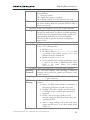
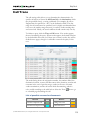
PortaBilling is supplied with an essential Destinations database containing
reliable information collected from authoritative sources, and linking
prefix information to:
o Country (if applicable)
o Subdivision (if applicable)
o Description
Of course, you can edit the supplied Destinations list according to your
needs. Also, you can always add more destinations later if needed.
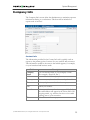
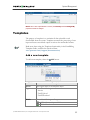
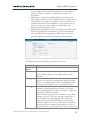
Add/Edit destinations online
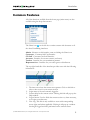
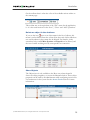
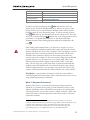
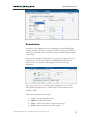
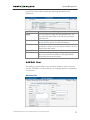
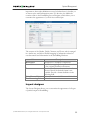
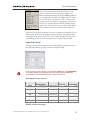
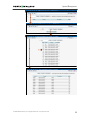
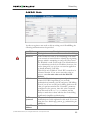
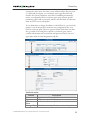
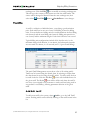
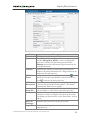
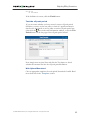
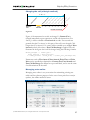
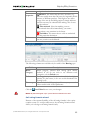
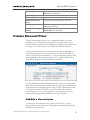
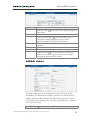
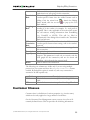
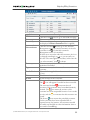
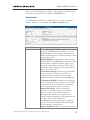
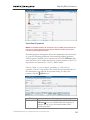
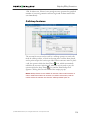
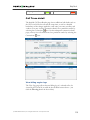
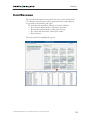
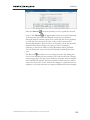
To add new destinations, select the Add button. The Save New
icon will appear on the Destinations form. Enter the prefix and choose a
country from the drop-down list. After selecting the country, the
subdivision field will be refreshed. Choose a subdivision if necessary.
Click the Save New icon to save the new destination.
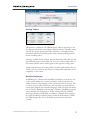
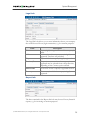
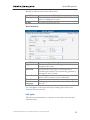
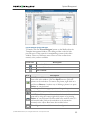
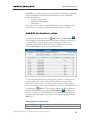
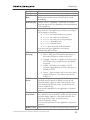
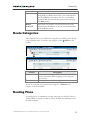
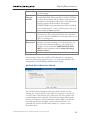
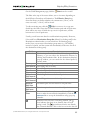
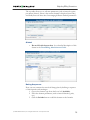
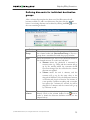
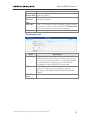
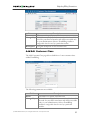
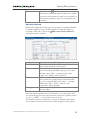
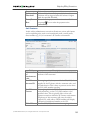
To edit an existing destination, enter a prefix, country or description (i.e.
proper, mobile, etc.) in the search field and click the corresponding
button. You can also select a country alphabetically from the top right
part of the interface. Choose the destination you want to edit from the list
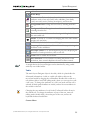
by clicking the
Edit icon. The content of the row will be copied into
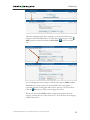
the Destinations form above, and the Save Edit icon
will appear in
the first column. Choose Subdivision from the refreshed drop-down list
and type in the Description, if any. Save your work by clicking the Save
Edit icon.
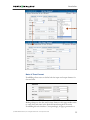
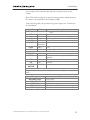
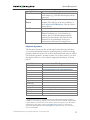
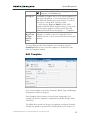
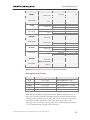
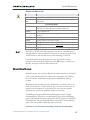
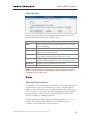
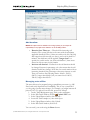
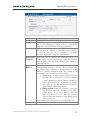
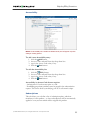
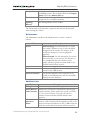
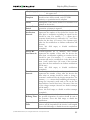
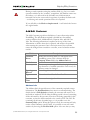
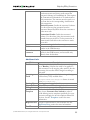
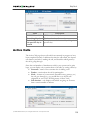
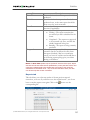
Destination access levels
User Type
Root or if ACL
Access Description
Full access
© 2000-2006 PortaOne, Inc. All rights Reserved. www.portaone.com
40