1
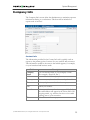
Help Desk
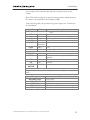
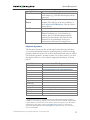
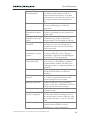
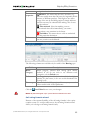
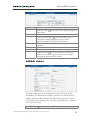
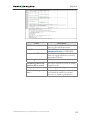
Call progress code
Network error
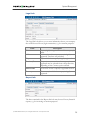
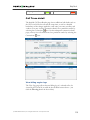
Call Trace detail
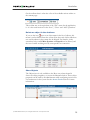
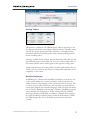
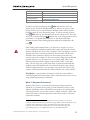
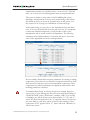
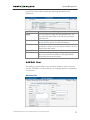
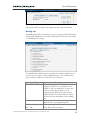
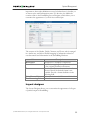
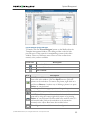
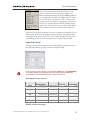
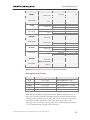
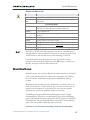
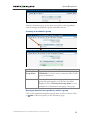
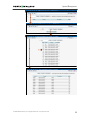
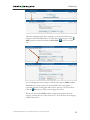
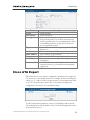
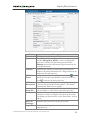
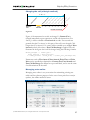
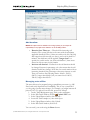
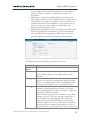
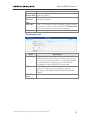
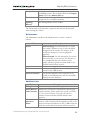
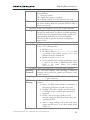
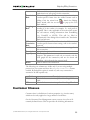
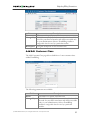
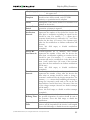
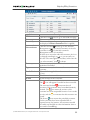
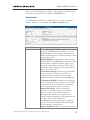
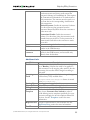
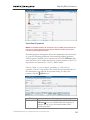
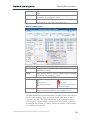
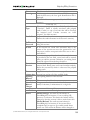
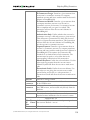
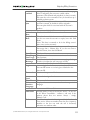
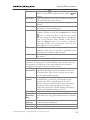
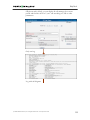
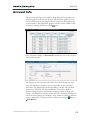
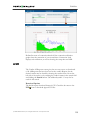
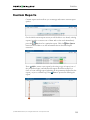
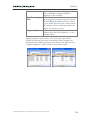
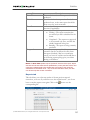
The detailed Call Trace Results page shows additional call details such as
the h323-conf-id for the call and the setup time, as well as a detailed
breakdown of the charges applied to each entity, accounts, resellers, and
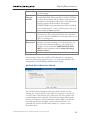
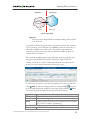
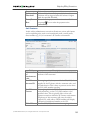
vendors. You may view the connection details for a particular vendor by
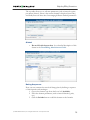
selecting the Connection
icon. On the subsequent connection detail
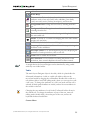
page you may view all connections for a particular vendor by selecting the
Connections
icon.
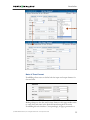
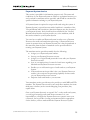
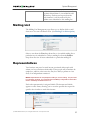
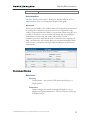
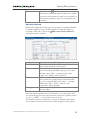
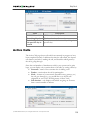
View billing engine logs
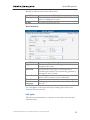
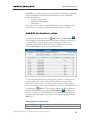
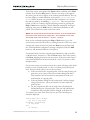
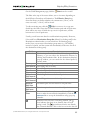
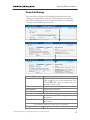
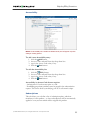
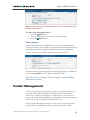
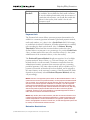
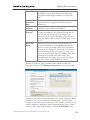
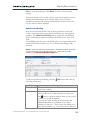
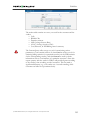
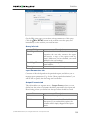
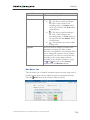
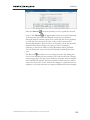
The View Logs page allows the raw billing log of a selected call to be
viewed by h323-conf-id (or while in the call detail screen above – just
click the View log button in the toolbar).
© 2000-2006 PortaOne, Inc. All rights Reserved. www.portaone.com
119