1
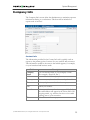
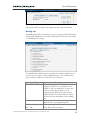
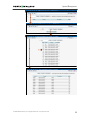
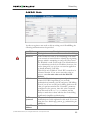
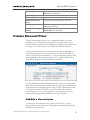
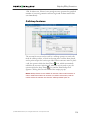
Adjusting Billing Parameters
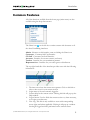
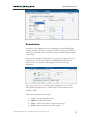
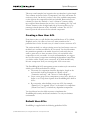
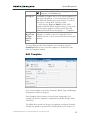
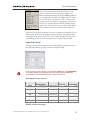
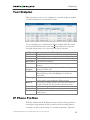
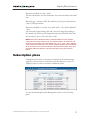
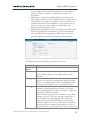
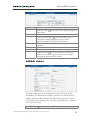
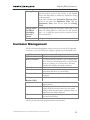
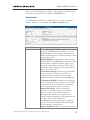
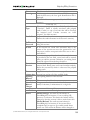
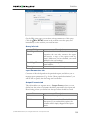
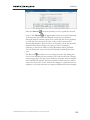
Vendor Name
Currency
Opening
Balance
Defines the vendor name as it will appear within the
PortaBilling system. This is distinct from the Company
Name field in the Address Info tab.
The currency must be specified by selecting it from the
drop-down list of available currencies.
The starting balance for the vendor.
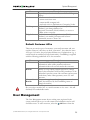
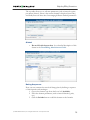
The information in all other tabs is optional, and need not be specified
when creating the vendor.
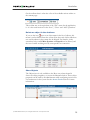
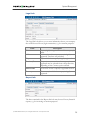
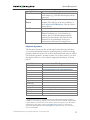
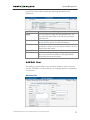
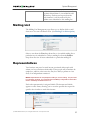
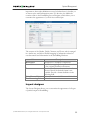
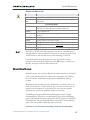
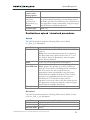
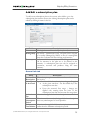
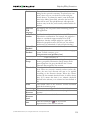
Maintenance
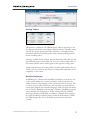
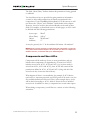
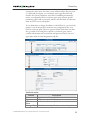
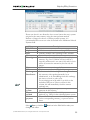
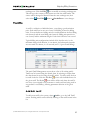
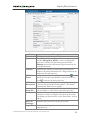
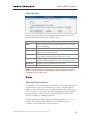
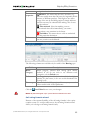
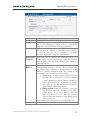
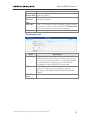
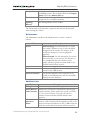
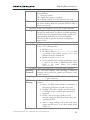
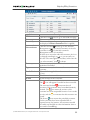
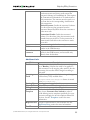
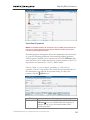
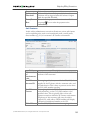
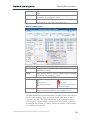
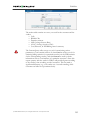
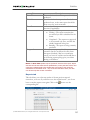
The Maintenance tab allows the administrator to correct a vendor’s
balance.
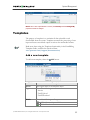
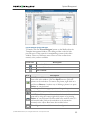
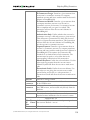
Field
Action
Amount
Visible comment
Internal comment
Description
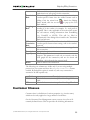
Manual charge: Use this transaction to adjust
the vendor’s balance in case of non-call related
charges from the vendor. For instance, if the
vendor has charged you for an equipment
purchase.
Manual refund: Use this transaction if you have
received credit to your account. For instance, if
you complained about the vendor’s service
quality and have agreed for certain funds to be
credited toward future services.
Amount to charge/refund.
A comment on this transaction visible to the
vendor in the CDR browser.
An internal comment on this transaction; not
visible in the CDR browser, and only accessible
directly from the database.
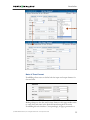
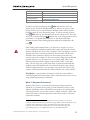
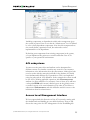
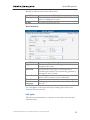
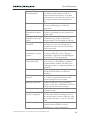
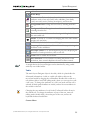
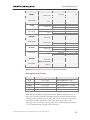
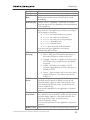
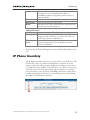
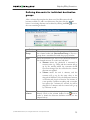
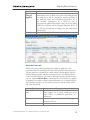
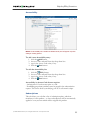
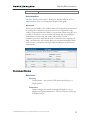
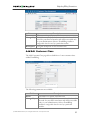
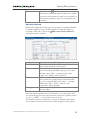
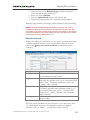
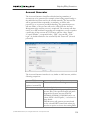
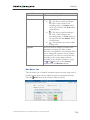
Additional Info
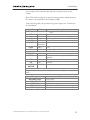
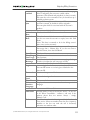
Field
Billing Period
Offset Balance
with Customer
Minimum
Amount to
Offset
Description
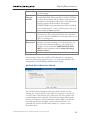
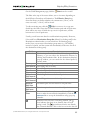
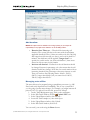
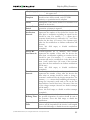
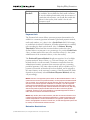
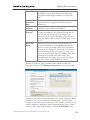
Defines the frequency of invoicing for this vendor.
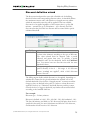
Defines the customer for automatically offsetting the
vendor’s balance (if this vendor also sends you traffic,
i.e. he is your customer). You may only choose a
reseller or retail customer defined with the same
currency.
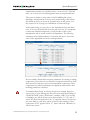
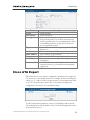
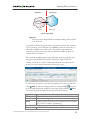
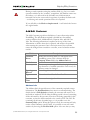
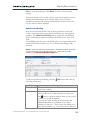
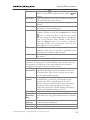
When the balance reaches the threshold value, the
current vendor’s balance will be applied as credit to the
chosen customer and reduced to zero. CDR records for
both the vendor and the customer will be created for
© 2000-2006 PortaOne, Inc. All rights Reserved. www.portaone.com
86