1
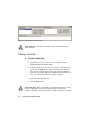
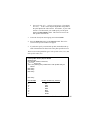
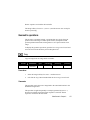
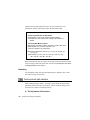
❖ To set the origin:
1.
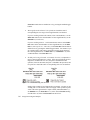
Press the Setup button in the Origin control group. A cross-hair
cursor will appear in the image.
2.
Move the mouse to position the cross-hair cursor in the image to the
desired location, and press the right mouse button. Alternatively,
enter the position of the origin directly in the X and Y controls.
Setting the scale
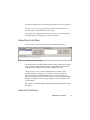
The procedure of setting the scale requires that a distance be marked off in the
x and y directions in the image. The corresponding physical units for that
distance are then entered. The scale is calculated and expressed in physical
units per pixel unit.
❖ To set the scale:
152
1.
Start live video acquisition. See Chapter 2, section Capturing
continuous (live) video frames.
2.
Focus the camera.
3.
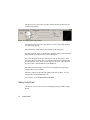
Mark a horizontal line in the field of view. The start and end points
should be located completely within the field of view.
4.
Measure the physical distance between the start and end points of the
horizontal line if this distance is not already known.
5.
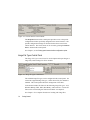
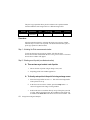
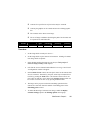
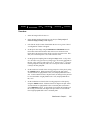
Enter the distance measurement in the Physical units X control
located in the Spatial scale control group.
6.
Mark a vertical line in the field of view with starting point at the start
point or end point of the horizontal line marked in step 3 above.
7.
Measure the physical distance between the start and end points of the
Image Processing and Analysis