1
Flash Memory Programmer FL-PR5 User’s Manual (Provisional)
...
SBA1-070002-00
69/138
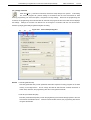
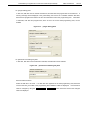
button
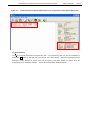
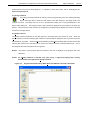
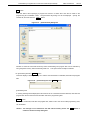
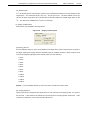
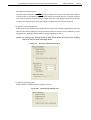
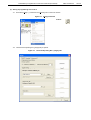
Click this button when specifying a program file stored in a folder other than the bin folder in the
programming GUI installation folder.
relevant file, and then click the
Open
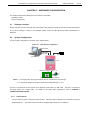
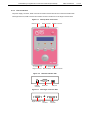
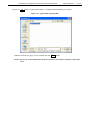
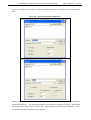
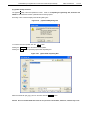
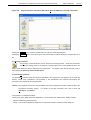
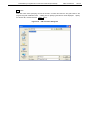
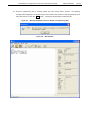
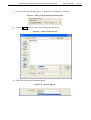
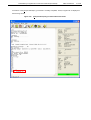
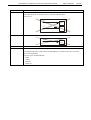
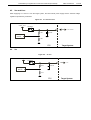
Figure 4-47.
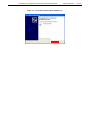
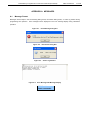
The [Download file] dialog box will be displayed.
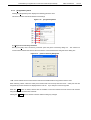
Specify the
button.
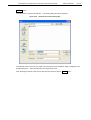
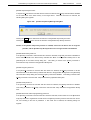
[Download file] Dialog Box
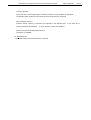
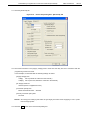
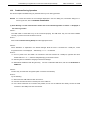
Whether to erase the FP5 internal memory before downloading new program files can be selected by
using the [Erase memory before download] check box.
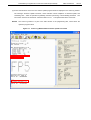
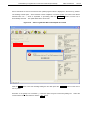
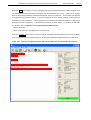
<5> [Information] area and
Clear
This option should usually be selected.
button
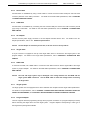
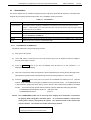
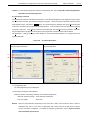
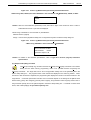
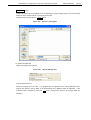
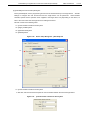
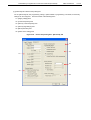
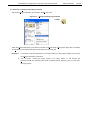
This area displays a warning message or is used to clear information on PR5 files, ESF files and program
files.
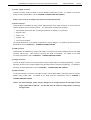
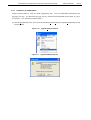
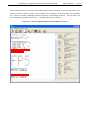
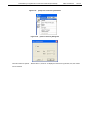
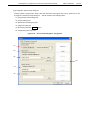
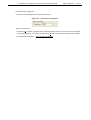
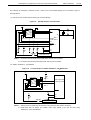
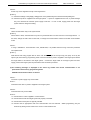
Figure 4-48.
[Information] Area and
Clear
Button
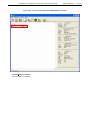
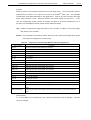
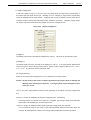
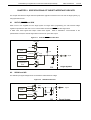
[Information] area
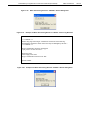
A warning message will be displayed in this area if there is a mismatch between PR5 files, ESF files and
program files saved in the FP5 and information held in the programming GUI.
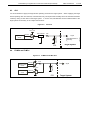
Clear
button
Information of PR5 files, ESF files and program files, which is set to the current valid programming area,
can be deleted.
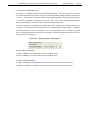
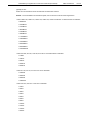
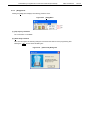
Caution The settings are not reflected to the FP5 internal memory unless the
clicked in the Device Setup dialog box.
OK
button is