1
SupplyCare Enterprise SCE30B
11 Managing master data
4.
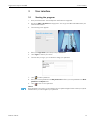
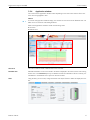
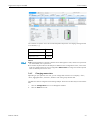
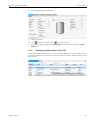
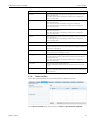
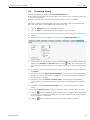
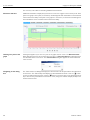
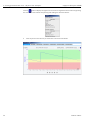
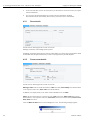
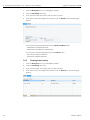
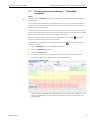
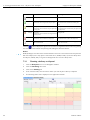
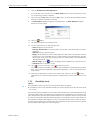
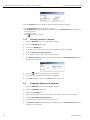
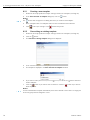
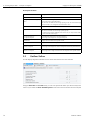
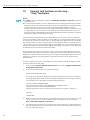
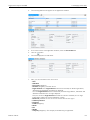
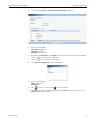
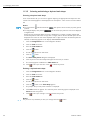
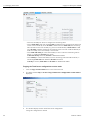
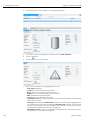
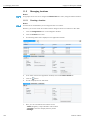
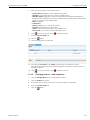
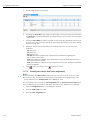
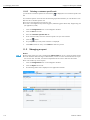
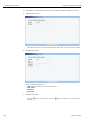
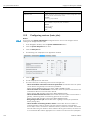
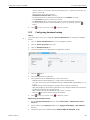
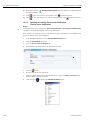
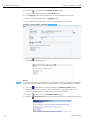
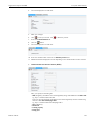
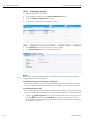
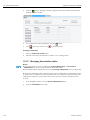
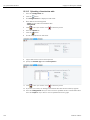
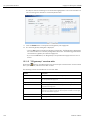
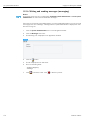
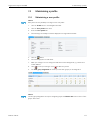
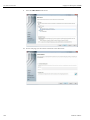
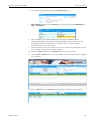
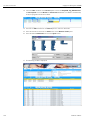
The following detail view is displayed in the Application window:
5.
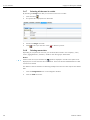
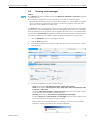
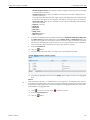
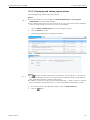
Click the Send test event e-mail button.
6.
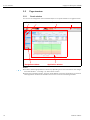
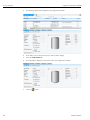
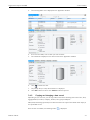
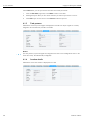
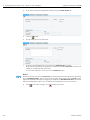
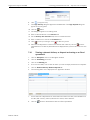
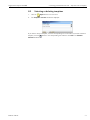
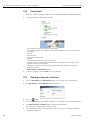
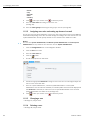
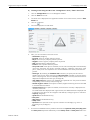
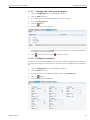
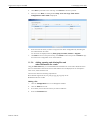
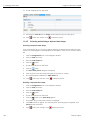
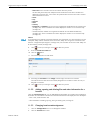
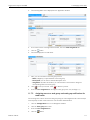
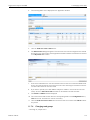
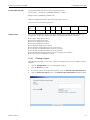
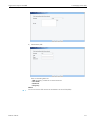
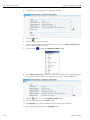
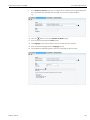
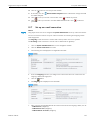
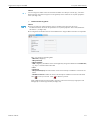
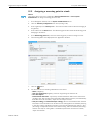
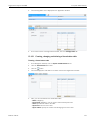
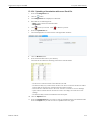
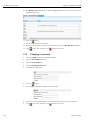
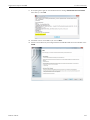
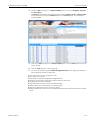
The Affected user dialog box appears. This lists all the users who are assigned to the selected
tank group in the upper section of the Application window and whose checkboxes are selected
in the By e-mail table column.
7.
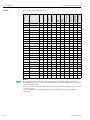
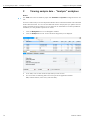
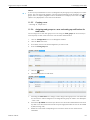
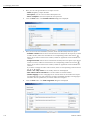
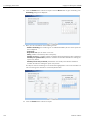
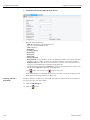
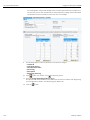
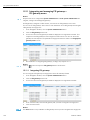
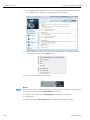
Select the checkboxes for the users who should receive the test event e-mail and disable them
for the users who should not receive the test event e-mail. Selecting the checkbox in the first
row of the table selects all the users listed.
8.
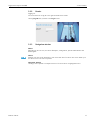
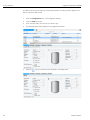
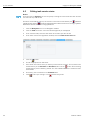
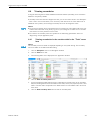
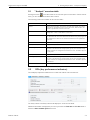
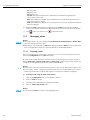
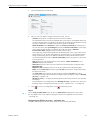
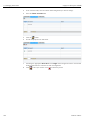
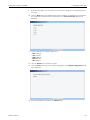
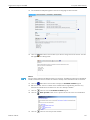
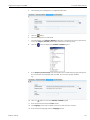
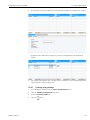
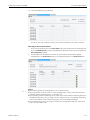
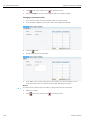
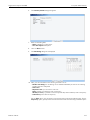
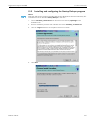
If you want to provide your e-mail address and phone number in the text of the test event
e-mail, select the Add contact info checkbox on the bottom left under the table.
9.
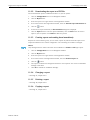
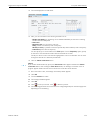
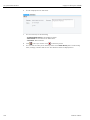
The E-mail and Phone fields are displayed.
10. The content of the fields is taken from the corresponding fields in the Configuration menu,
User menu item. Overwrite the content if necessary.
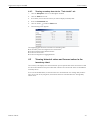
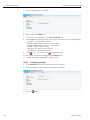
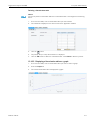
11. Click the Send test event e-mail button to send the test event e-mail.Click Cancel to abort
the process.
11.7.4
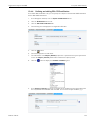
Changing tank groups
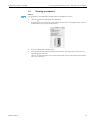
→ See Page 27, Chapter 3.6.5.
Endress+Hauser
113