1
Setting the Analyzer Type
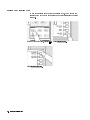
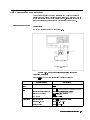
To use the spectrum analyzer mode, you must set the analyzer type to
the spectrum analyzer mode after selecting an active channel.
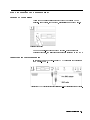
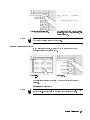
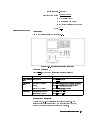
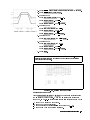
In the MEASUREMENT block, press 4Meas5.
FFFFFFFFFFFFFFFFFFFFFFFFFFFFFFFFFF
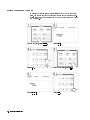
Press ANALYZER TYPE .
FFFFFFFFFFFFFFFFFFFFFFFFFFFFFFFFFFFFFFFFFFF
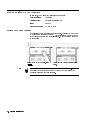
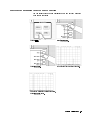
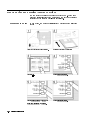
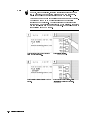
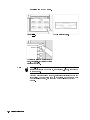
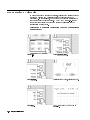
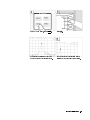
Press SPECTRUM ANALYZER .
Note
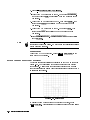
Changing the analyzer type presets the analyzer for the active
channel. If you want to keep the current measurement settings when
changing the analyzer type, rst set the other channel to active.
Spectrum Analyzer Tour
2-5