1
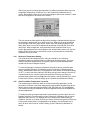
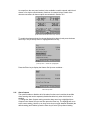
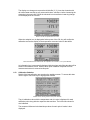
Escape key to return to other menu levels or continue with setting the Manual
Temperature Compensation value as follows.
4.42
Manual Temperature (oC)
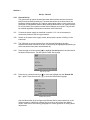
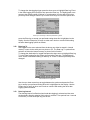
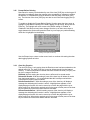
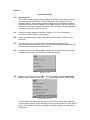
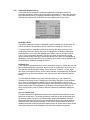
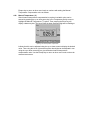
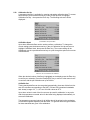
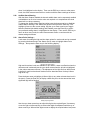
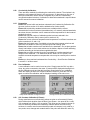
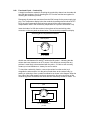
Should manual temperature compensation be required a suitable value can be
entered by pressing the up or down arrow key in the Temperature Set Up menu to
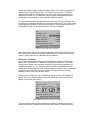
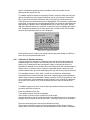
highlight the Manual Temperature (oC) option. Then pressing the Enter key will
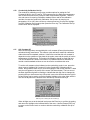
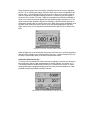
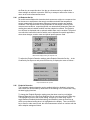
display a data entry box. The box around the least significant digit will be flashing to
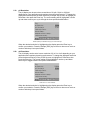
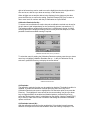
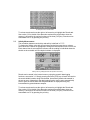
Adjusting manual temperature compensation
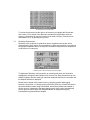
indicate that this can be adjusted using the up or down arrows to display the desired
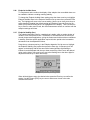
value. Then using the left or right arrow keys the other digits can be adjusted in turn
using the up or down arrow keys to give the desired manual temperature
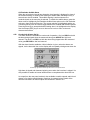
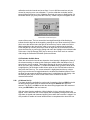
compensation value. Use the Escape key to return to other menu levels or the main
measurement screen.